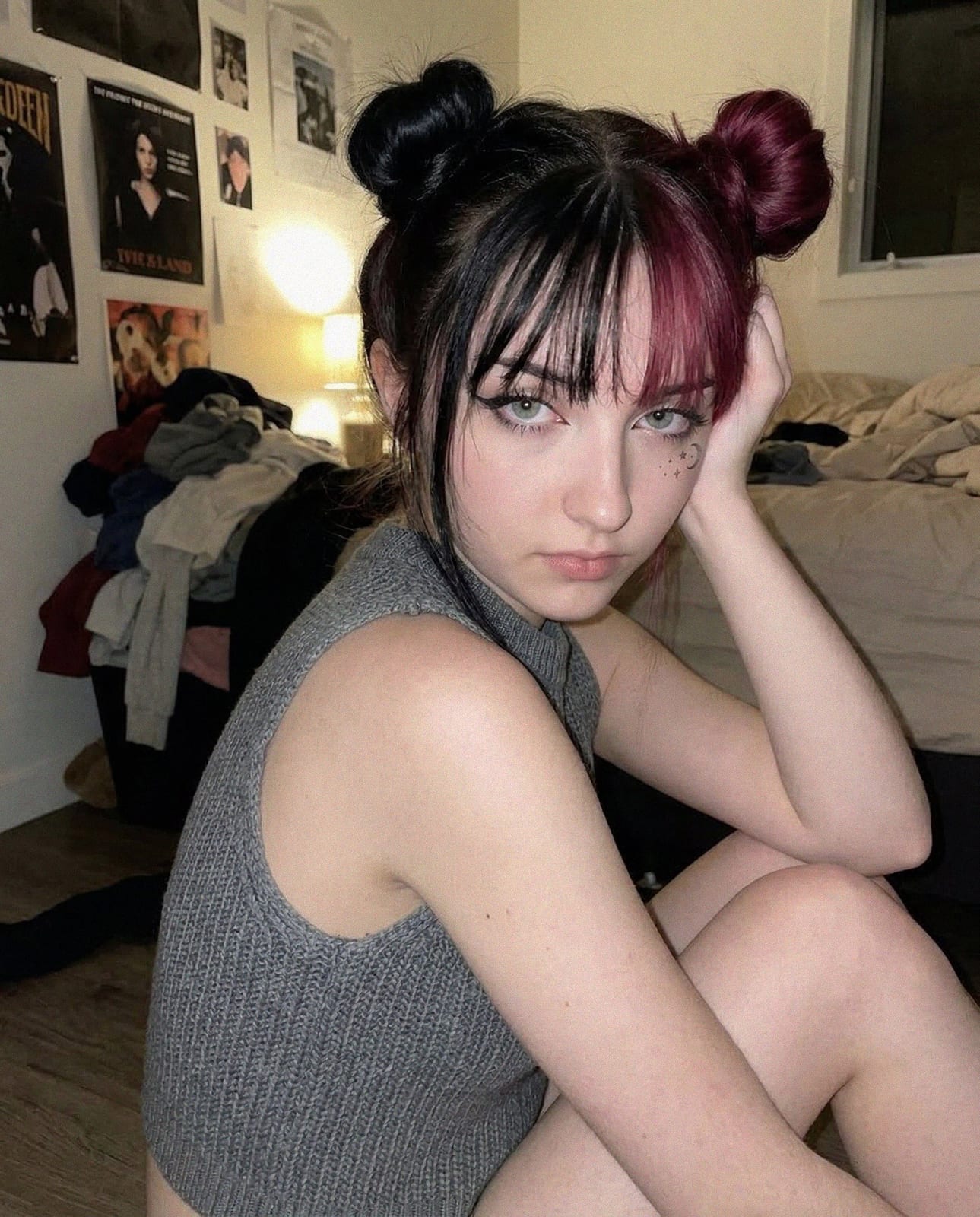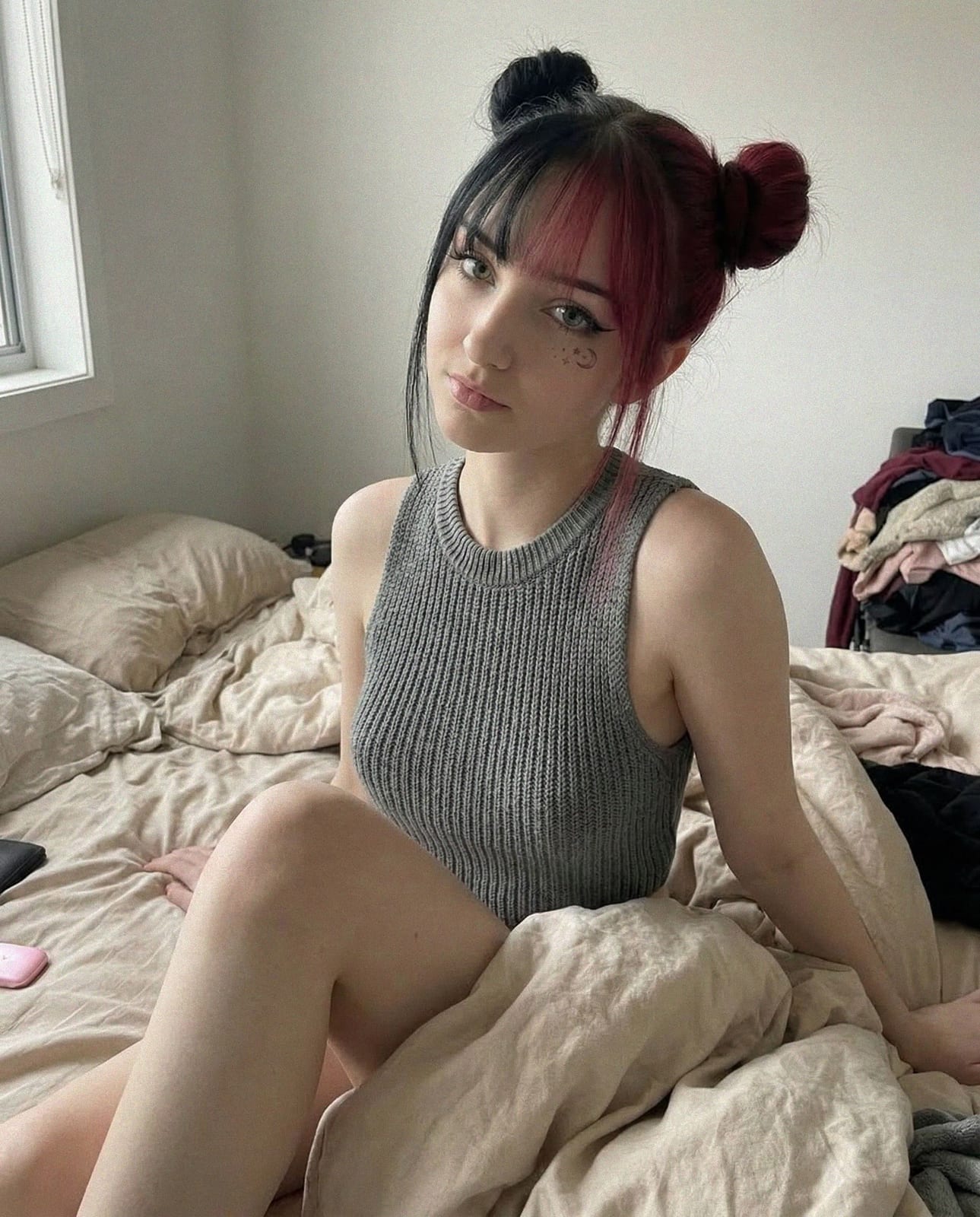


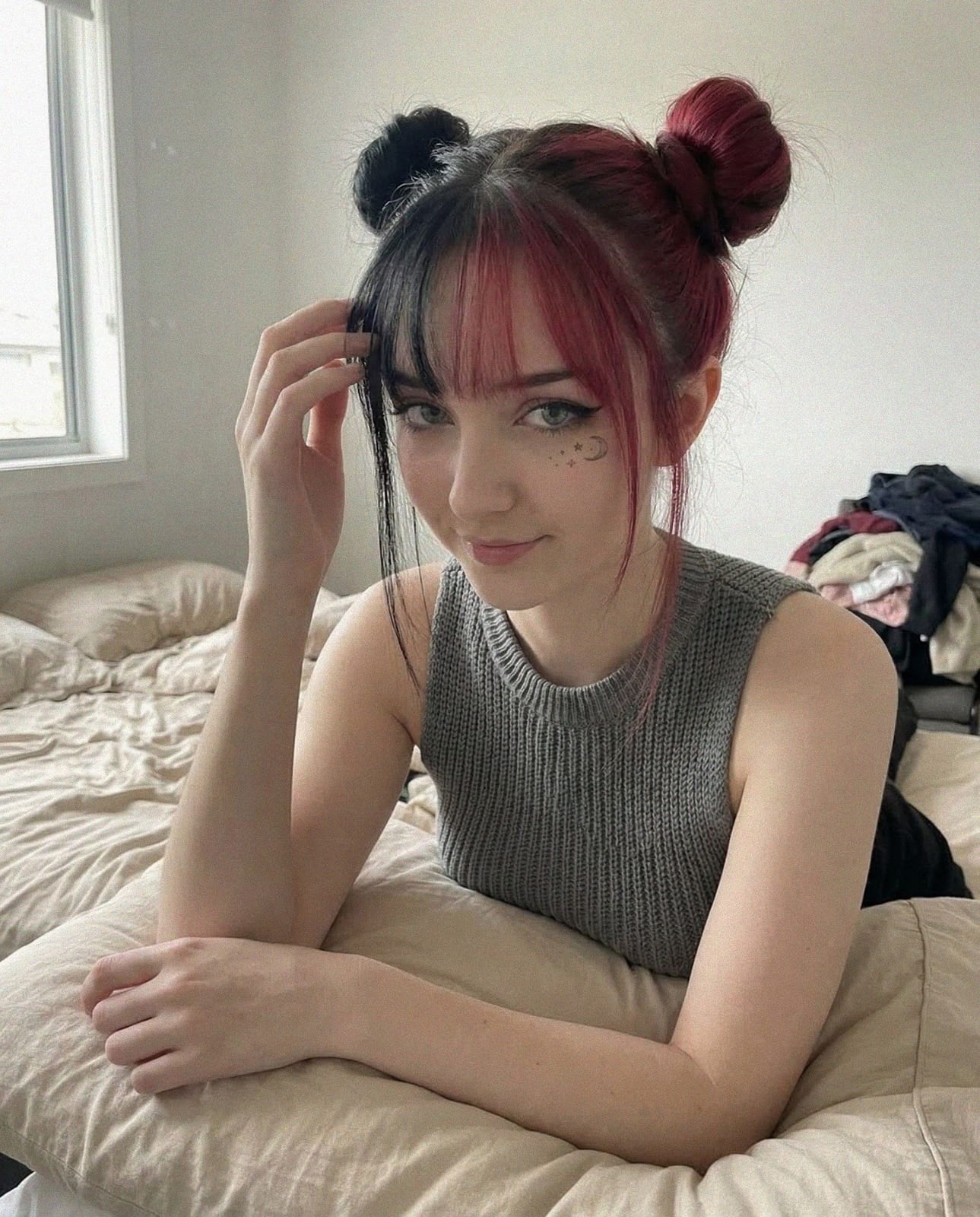
My AI keeps changing my character's face and outfit between shots — what fixes that?
Short answer: you are describing the character in each prompt instead of generating from a trained one, and the seed is free to reinvent whatever the words leave open. A prompt is a description, and every description has gaps — bone structure, exact eye colour, how the jaw reads at three-quarter angle — which the model fills in differently on every run. Training turns that description into a fixed identity, so the same person comes back whether the scene is a kitchen or a rooftop.
Outfit drift is the same failure one layer down: garments are only as stable as the words describing them, so 'denim jacket' is re-invented each time. Fixes, in order of how much they buy you: generate from a trained character rather than a prompt; keep a fixed style block for wardrobe and palette across a set; reuse the seed of a shot that worked; and change one variable at a time so you can see which change caused the shift. The rest of this article covers each cause in detail and the repair order when a persona has already drifted.
What persona drift actually is
Your character has a rounder face on Tuesday, different eyes on Thursday, and by week three the account looks like it hired triplets. That is persona drift: generation-to-generation variance in the traits that are supposed to define an identity. Followers notice it faster than creators do, because recognition is the entire product of a persona account.
The good news is that drift is almost never random. It has four common causes, they are easy to tell apart, and each has a specific fix — most of which cost nothing to try. Work through them in order: the cheap fixes come first, and the expensive fix (retraining) only pays off once the cheap ones are ruled out.
A two-minute diagnosis before you touch anything
Before changing prompts or retraining, look at where the variance shows up — the pattern points at the cause:
- Different face every generation, no trained model in use → Cause 1: you are prompting identity
- Same rough face, but features wander between renders → Cause 2: the reference set is fuzzy
- Trained model looks right in simple prompts, drifts in detailed ones → Cause 3: prompts are fighting the training
- Identity holds, but a near-perfect image will not reproduce → Cause 4: seeds are not being reused
Cause 1: you're prompting an identity instead of training one
The most common cause is structural. If every prompt re-describes the character — 'blonde, green eyes, sharp jawline...' — you are asking a text description to produce the same face twice, and text descriptions are a probability cloud, not an identity. Two prompts with identical wording can legitimately produce two different people.
The fix is identity lock through training: a one-time 720-credit model training anchors the face itself, so every later prompt inherits the identity instead of re-rolling it. If you are still freehand-prompting the character, no amount of prompt engineering will out-perform this step.
Cause 2: the reference set taught it a fuzzy identity
A trained model is only as sharp as its reference set. Contradictory references — heavy filters, obscured faces, images that are almost but not quite the same person — teach the model an average instead of an identity, and averages drift.
The test is unglamorous: open the reference folder and ask, of each image, whether a stranger would confidently say it shows the same person as the previous one. Every image where the answer is 'probably' is teaching the model to hedge.
- Same subject in every frame — near-misses hurt more than they help
- Vary angle and lighting, not identity: frontal, three-quarter, profile; natural, indoor, studio
- Remove filters, sunglasses, occlusions and group shots
- 12–16 consistent references is the commercial-quality sweet spot; 10–20 is the workable range
Cause 3: your prompts fight the training
Re-describing facial traits after training pulls the output away from the locked identity — the prompt and the training argue, and the result splits the difference. This is the counter-intuitive one: adding more identity detail to prompts makes consistency worse, not better.
Post-training prompts should describe everything except the face: wardrobe, setting, light, mood, framing. If you are typing eye colors into prompts for a trained model, that habit is the bug. Keep a fixed style block for the aesthetic and leave the identity to the model.
Cause 4: you're ignoring seeds
Even a locked identity has per-generation variance, and the seed is the dial that controls it. Re-rolling with a fresh random seed every attempt maximizes variance on purpose; reusing a seed while making one small prompt change keeps composition and rendering stable while you fix the one thing that was wrong.
The seeds and retries guide covers reproducible re-rolls in practice — including the billing side, since failed model trainings are refunded automatically, which makes fixing the training the cheaper path compared to living with a drifting model.
The repair workflow, in order
Run the checks in that order. Most drift resolves at the prompt-hygiene and seed steps without spending a credit; retraining is the right move only when the reference set itself was the problem. Keep the validation batch from each training run, too — a dated folder of ten outputs per version gives you an objective before/after when deciding whether a retrain actually improved anything.
- Audit the reference set first — cut weak frames, add missing angles
- Strip identity language from your prompt library; keep a fixed style block instead
- Lock seeds when iterating on a near-miss
- Retrain (800 credits per refresh) only after the reference set is genuinely better
- Validate with a ten-prompt diverse batch: close-up, full-body, indoor, outdoor
When drift is actually fine
Not all change is a defect. A deliberate seasonal evolution — new hair, new aesthetic — is a retrain with intent, versioned and announced, and followers treat it the way they treat any creator's style era. The difference between drift and evolution is exactly one thing: whether you decided it.
Quarterly is a sane review cadence. Retraining monthly because engagement dipped usually just resets an identity your audience had started to learn — the opposite of what a persona account is for. And if you do evolve the look, retire the old presets at the same time: a style block written for the previous aesthetic is a drift generator against the new one.