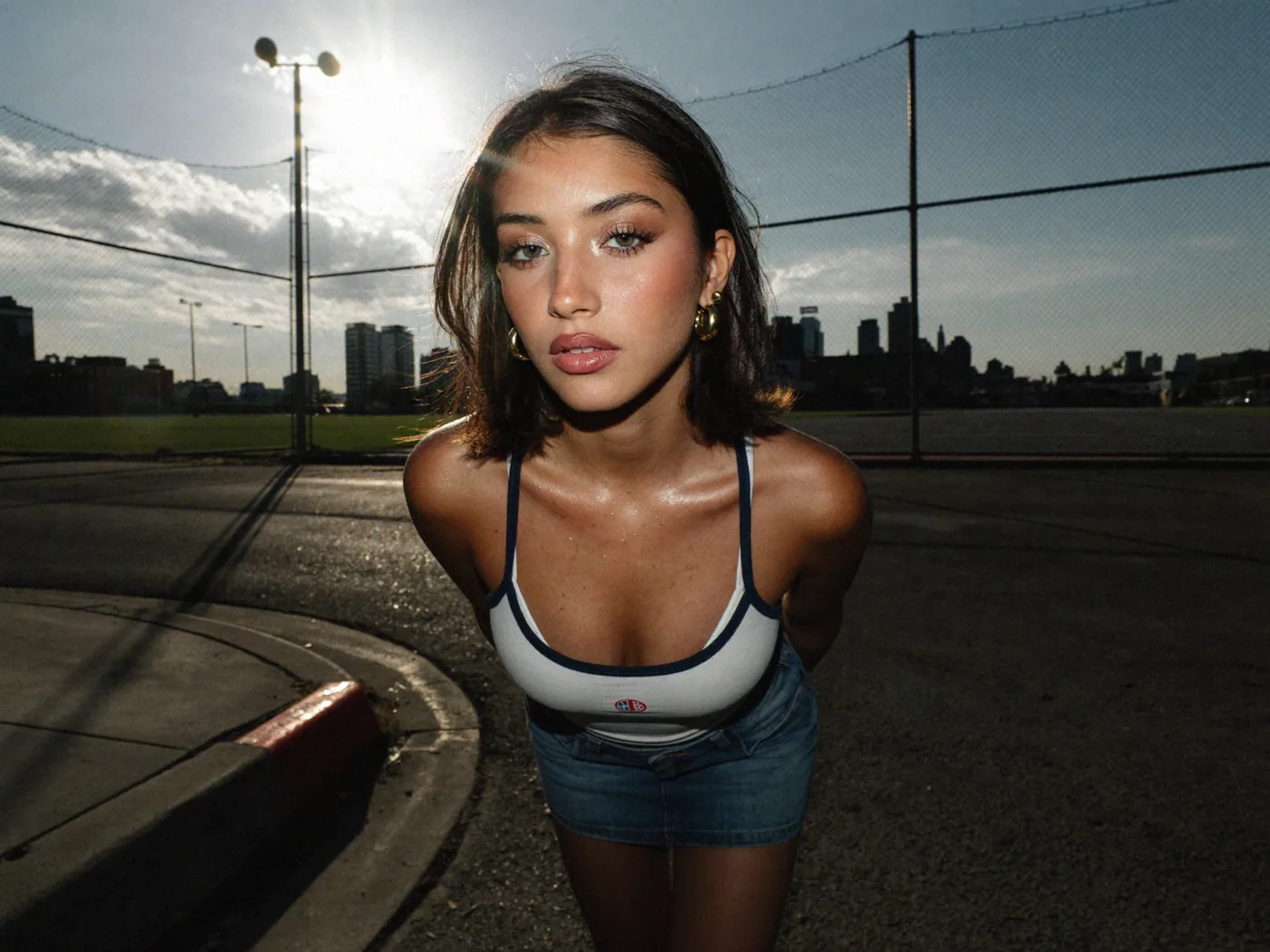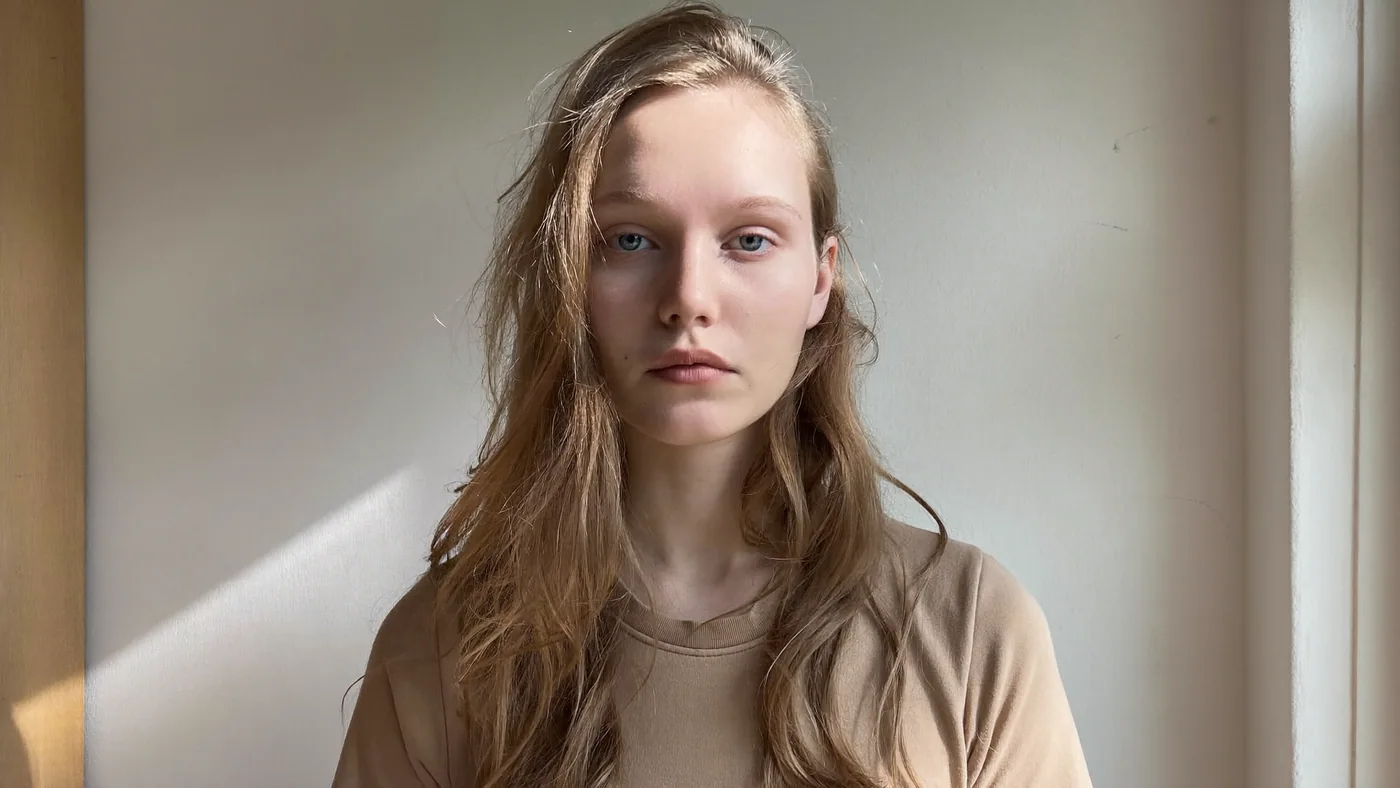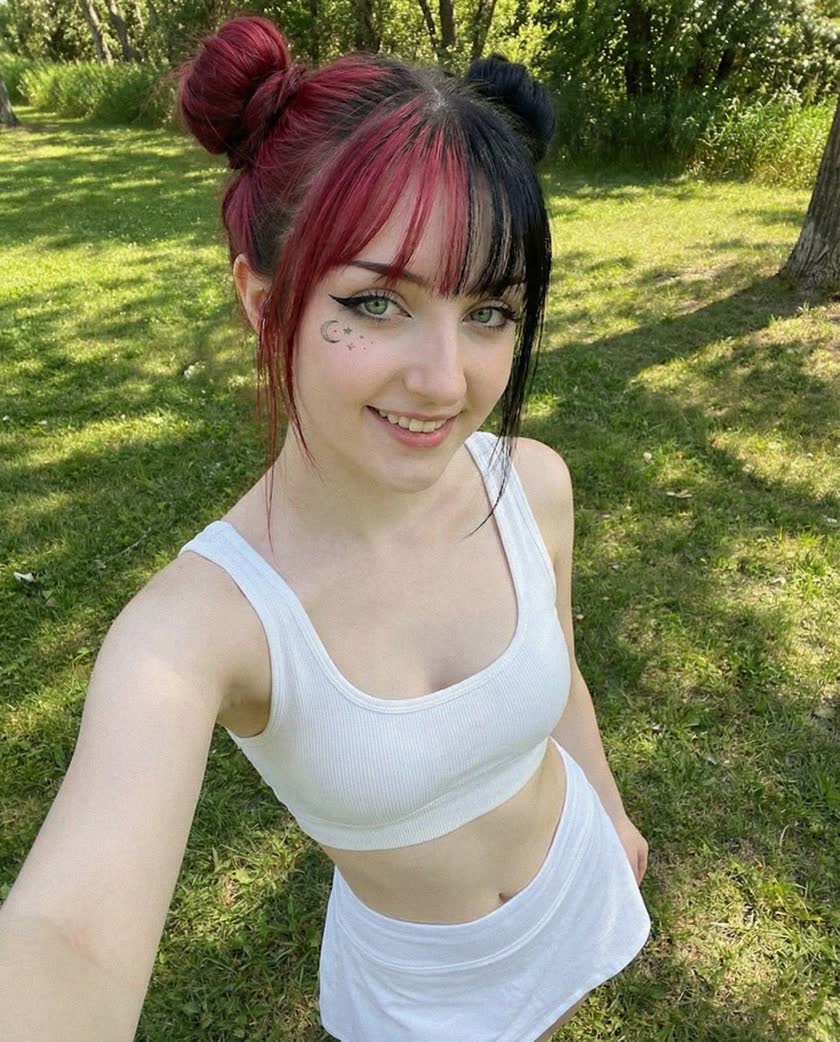


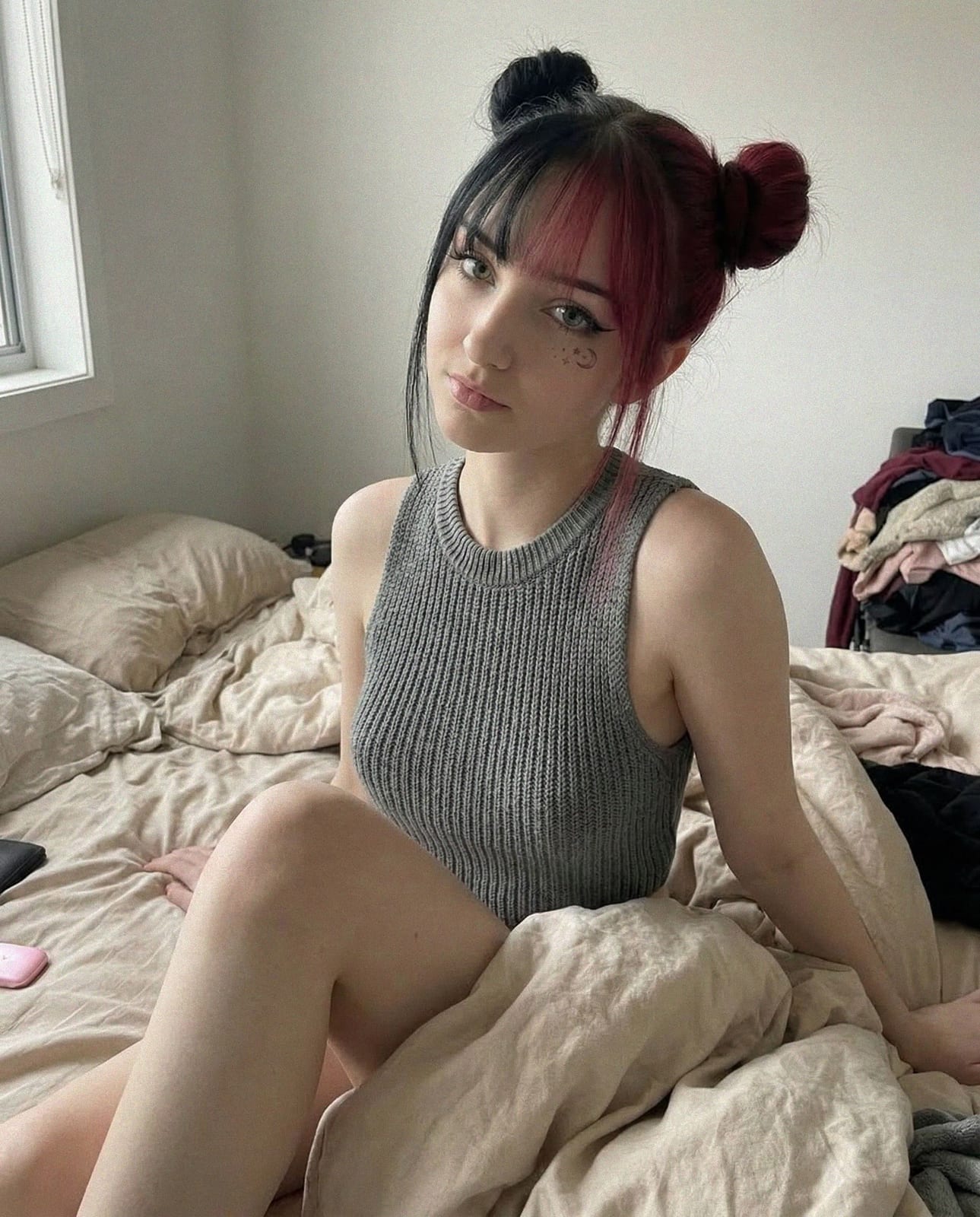
Why consistency is everything
When followers land on an influencer's profile, they make a recognition decision in under two seconds. The face, color palette, and visual tone either match what they remember — or they scroll on. For real creators this is a natural result of photographing the same person repeatedly. For AI-generated personas, consistency has to be engineered deliberately.
InfluencerForge.app solves this with character training: you upload a set of reference photos, describe the persona's look once, and the trained model generates images that share the same face, skin tone, and style across every prompt you give it afterward.
Step 1 — define your persona before you touch the tool
The clearest results come from creators who write a one-paragraph character sheet before training. Include: gender, approximate age (must be 18 or older — synthetic models are no exception), hair color and style, skin tone, body type, and the overall vibe or aesthetic niche. Settle the name in the same sitting — it is far cheaper to change now than after the model is trained.
Keep the vibe specific. 'Fashion-forward' is vague. 'Editorial dark academia with pale skin, wavy auburn hair, and oversized blazers' gives the model something to anchor to.
Step 2 — curate your reference photos
Reference quality directly determines output quality. Aim for 8–20 photos that share the same subject but vary in angle, lighting, and expression. Avoid group shots, heavy filters, or images where the face is partially obscured. For a full walkthrough of consent, curation and validation, see From Reference Photos to a Brand-Safe AI Persona.
Every reference photo must depict a synthetic or yourself if you are using your own likeness — never upload photos of another real person without explicit consent. The platform does not support cloning real celebrities or public figures.
- Minimum 512 × 512 px, 30 KB per image
- JPEG, PNG, or WebP accepted
- 8–20 photos hit the quality sweet spot; 4 is the minimum to start training
- Mix frontal, three-quarter, and profile angles
- Vary backgrounds — plain walls, outdoors, studio — to improve generalization
Step 3 — train once, generate forever
Training typically completes in 5–15 minutes. Once the model status shows 'Ready', every prompt you write inherits the trained persona. You can generate photoshoots, lifestyle shots, product placements, and video thumbnails without re-describing the character each time.
If the first batch of outputs drifts slightly in face shape or hair, the fix is usually adding more diverse reference photos and retraining. The second training pass almost always produces tighter results.
Step 4 — maintain consistency in your prompts
Even a well-trained model benefits from a consistent prompt structure. Keep a short 'style block' — a fixed sentence or two describing clothing palette, mood, and photography style — that you paste into every prompt. This acts as a visual anchor on top of the trained identity.
For social-ready outputs, add platform context: 'Instagram portrait, 4:5 ratio, soft natural light' steers the composition toward formats that perform well in-feed without any extra editing.