


Forge Academy · Practical workshop
Create AI UGC product ads: from brief to final delivery
By the InfluencerForge Editorial Team
Open the worked example ↓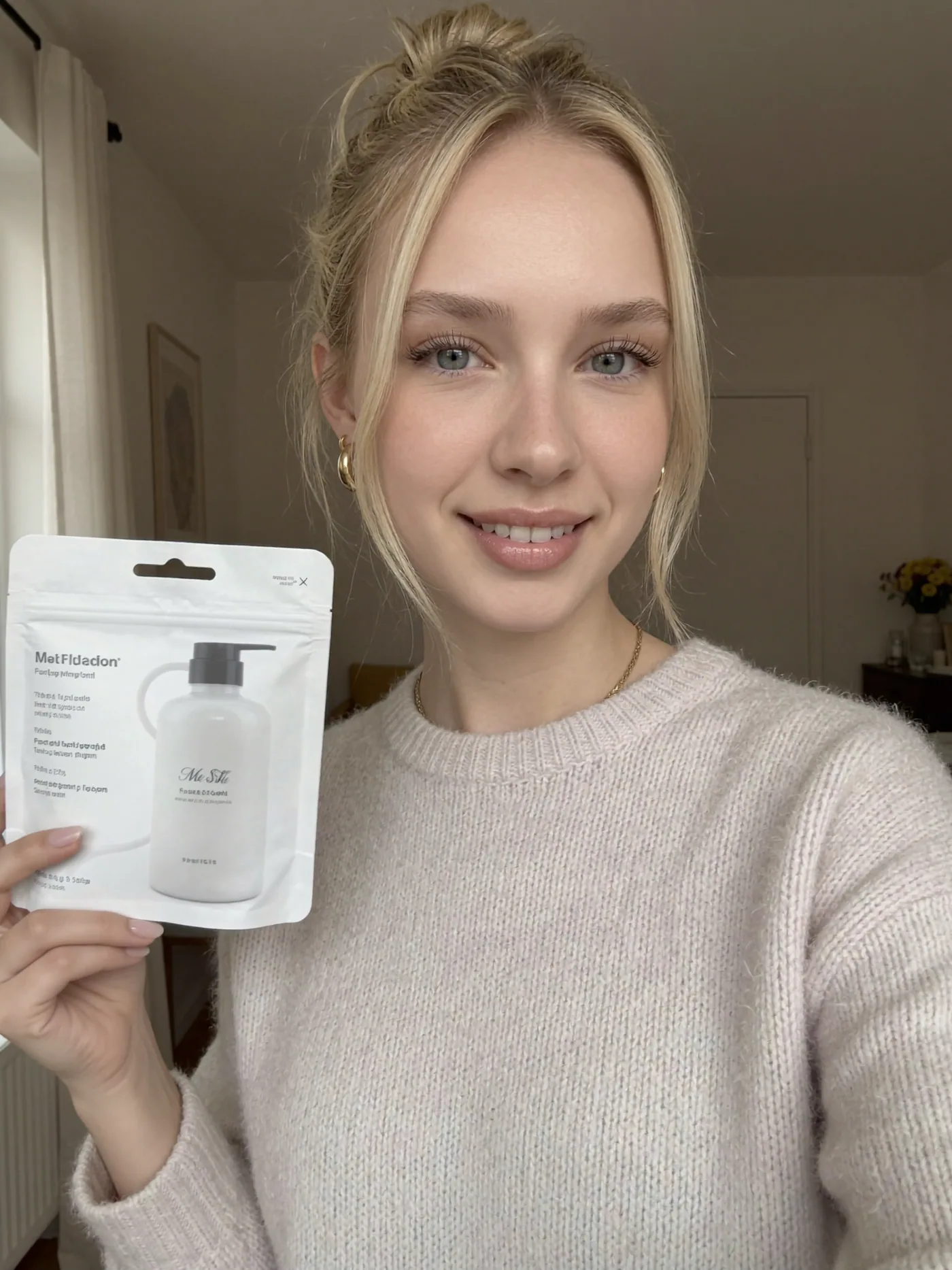
TL;DR — Pick your character, attach one clean product photo, choose a short UGC beat, and generate. The reference gives the render the product's shape, colors, and packaging instead of relying on a text description, but every output still needs a full-size accuracy check. A product render costs 56 credits per image, so test hooks and framings as ordinary 12-credit stills first and spend the 56s on the finalists.
UGC-style creative works because it reads like a customer, not a studio. The lane takes three inputs: your trained persona, one photo of the actual product, and a short beat for the persona to act out. The product photo anchors shape, colors, label, logo, and packaging more reliably than a written description, while your job is directing the scene and checking every generated detail before publishing.
You will need a trained model and a paid plan: the UGC product lane is not on the free tier, and free-tier exports are licensed for personal, non-commercial use only. Every paid plan includes a commercial license covering paid advertising.
From brief to deliverable
Start with the product's job in the frame.
Example brief: create three creator-style stills for a fictional skincare launch. The bottle must be recognizable, the scene should feel like a morning routine, and the copy must avoid invented personal results. This is production work, so you do not need an audience to sell it.
- Deliverables
- Three concepts, each in 9:16 and 1:1
- Visual direction
- Window light, a lived-in room, relaxed hands
- Product requirement
- Approved packaging reference; readable shape and label
- Message
- Show the routine and product; no fabricated before/after claim
- Approval
- Client checks packaging, claims, license and placements
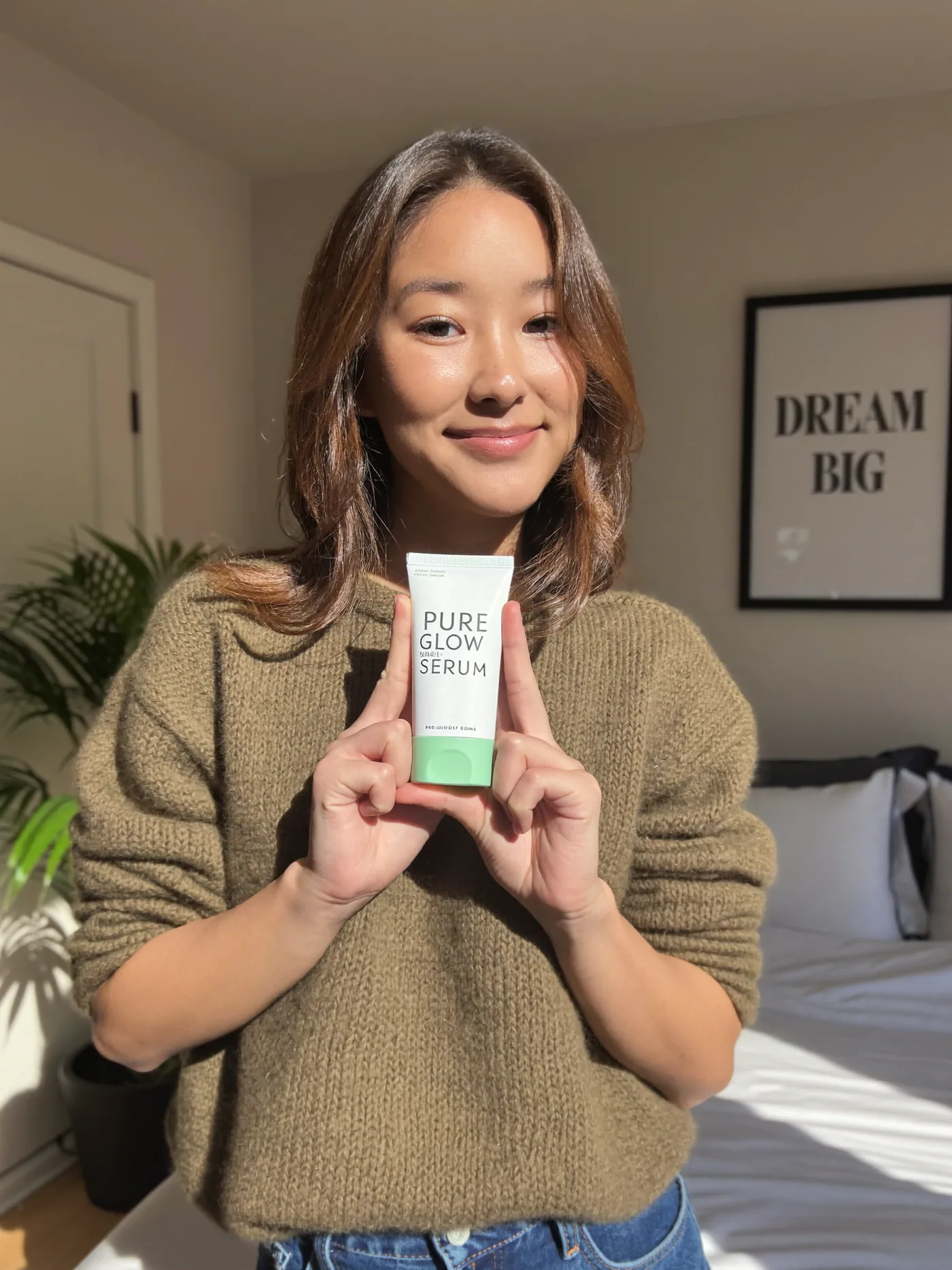
One brief, three directions
A hook is a reason to look.
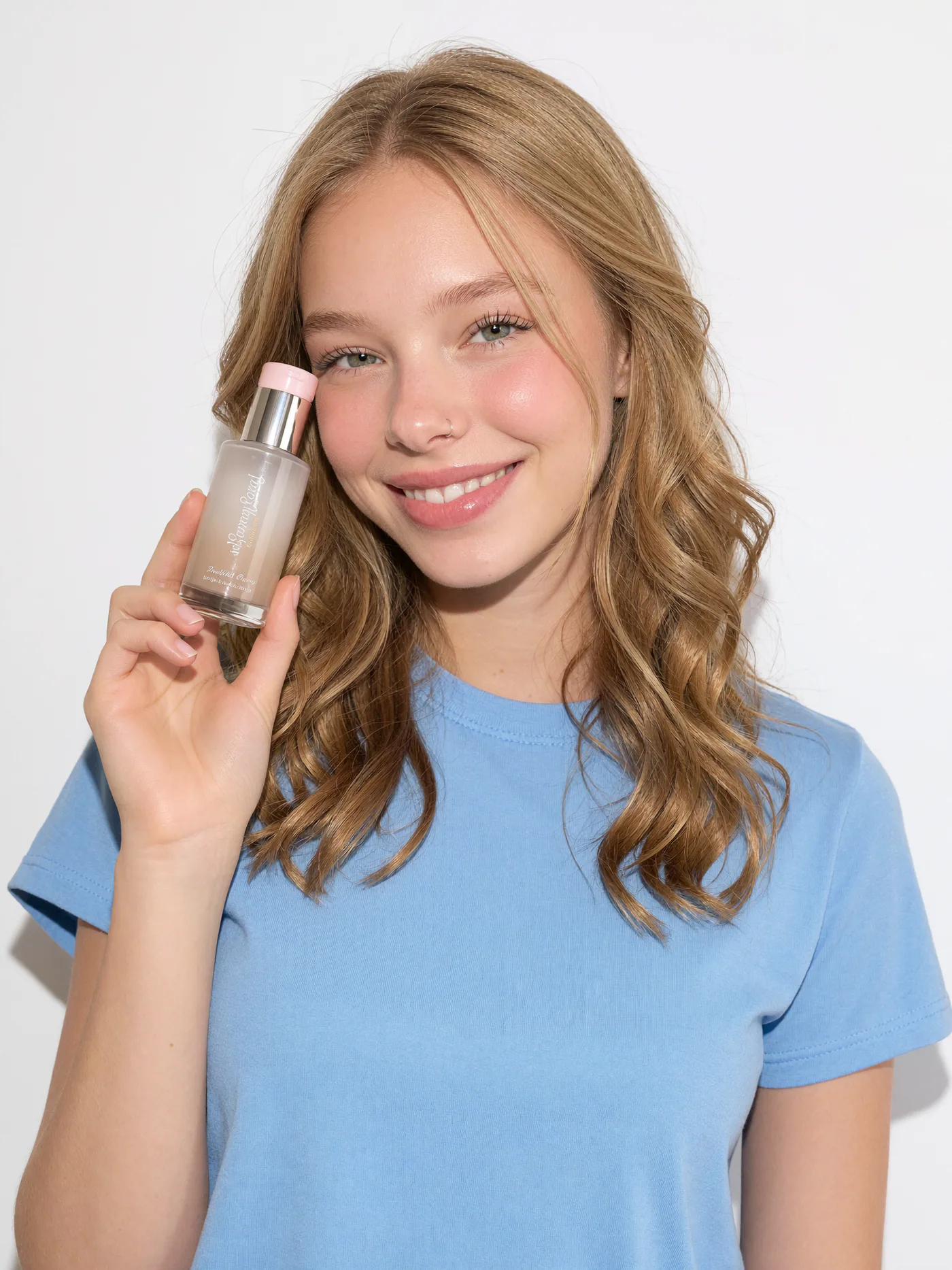
01Routine
Seated by a window, holding the supplied skincare bottle beside the face, relaxed grip, soft daylight, uncluttered background.
Check whether the bottle feels naturally held and whether the label faces the viewer.
02Product introduction
Medium close-up, presenting the supplied package at chest height, label toward camera, ordinary bedroom setting, even light.
Keep every finger clear of the important packaging text. Match the actual pack shape.
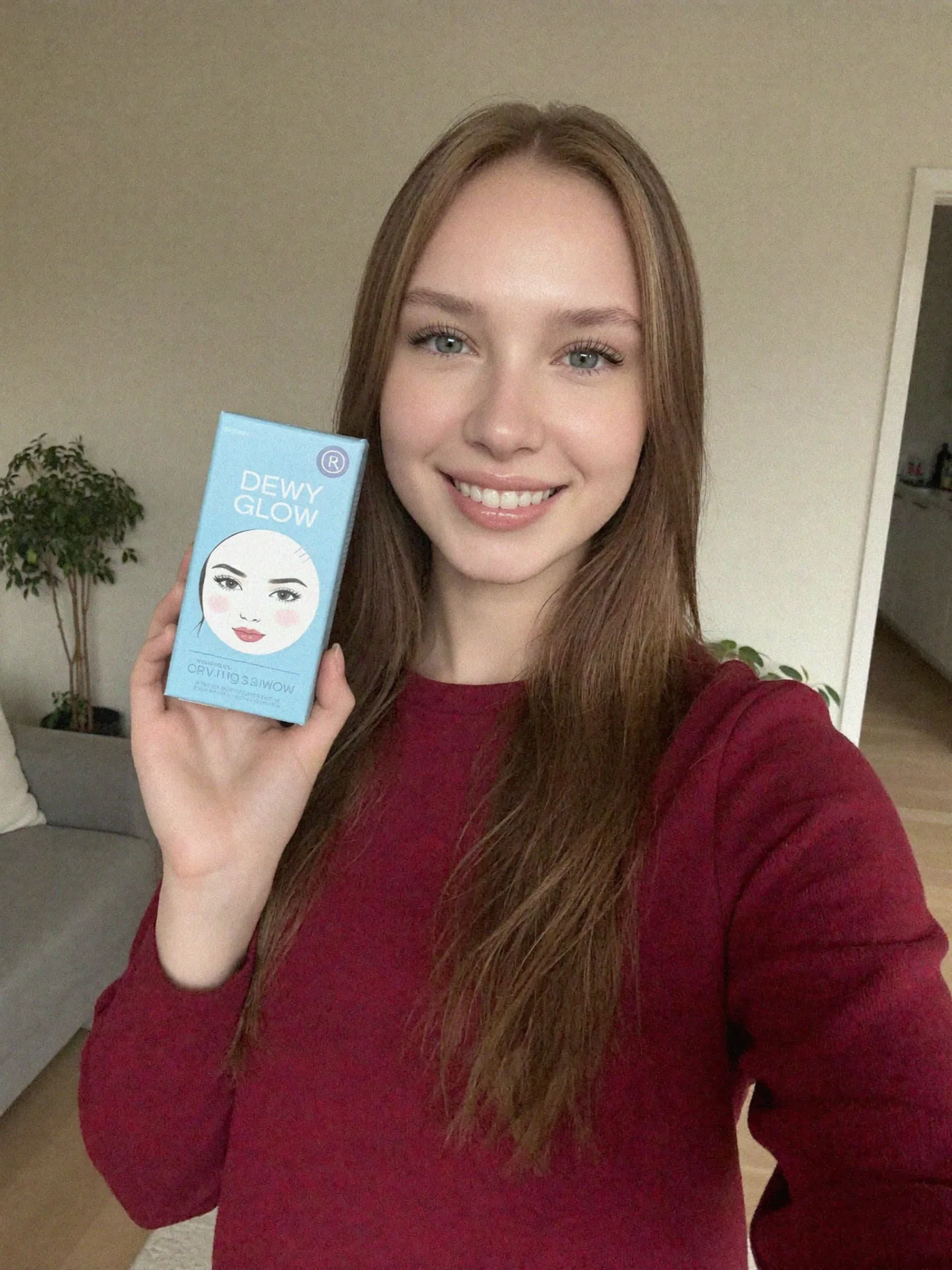
03The detail
Close portrait with the supplied product beside one shoulder, simple background, label legible, natural skin texture.
Avoid a pose where the product covers the face or a lens angle that warps the package.
For a real campaign, keep the chosen persona and product constant across all three concepts. These existing assets illustrate framing; they are not a controlled comparison or the output of the prompts above. Use the hook-testing framework to turn the concepts into an actual test.
The approval gate
A convincing image still needs an accuracy check.
Before generating
- Upload one product, sharply lit, with the important label visible.
- Use a plain background and keep reflections away from text.
- Get the brand's approved claims and reference file before choosing the scene.
Before delivering
- Compare the logo, spelling, pack proportions and color with the source at full size.
- Inspect fingers, contact shadows, reflections and the way the product is held.
- Check the crop in its intended placement and leave space for platform controls.
- Reject a distorted result. A reference improves fidelity; it does not guarantee exact packaging.
A bounded first delivery
Spend on the finalists.
108
9 framing drafts × 12 credits
336
3 product concepts × 2 ratios × 56
444
Total credits before revisions
The cheap framing drafts do not include the client's exact product. They help you choose a composition, not prove how a finished ad will perform. Six final product renders cover three concepts in 9:16 and 1:1. Each additional product revision costs another 56 credits; training and video are separate.
Agree the revision scope, select finals and use the campaign handoff guide. To turn this workflow into an offer, continue with starting an AI UGC agency.
Run the workflow
- 1
Open the UGC lane and pick the character
On the generate page, switch to the UGC tab — the product-ads lane — and select the trained character who will present the product. This lane renders from that character's own reference photos, so it needs a character selected before it will render at all, and the persona's identity never has to go into your prompt.
- 2
Attach one product photo
Upload a single photo of the product you are advertising. The lane uses that image to carry the item's shape, colors, label, logo, and packaging into the scene instead of guessing from prose. A product-in-hand render costs 56 credits per image and needs a paid plan, so shoot the reference cleanly and inspect small print and edges at full size before delivery.
- One product per photo, filling most of the frame
- Even light, no harsh reflections across the label
- Plain background so the packaging is unambiguous
- 3
Pick a short beat, and let it carry the hook
The lane offers starting beats — “unboxing the product, excited”, “using the product in a morning routine”, “showing the product's label up close” — and tapping one replaces the prompt. Keep anything you write yourself just as short: name what the persona is doing, and let that beat embody one hook, the reason someone stops scrolling. The hook testing framework covers how to structure these.
- Routine hook: the product mid-use in a morning or evening routine
- Reaction hook: candid delight right after first use
- Context hook: the product on a shelf, desk, or gym bag where it belongs
- 4
Test the hook cheaply, then pay for the product
Generate 5 to 10 variants per hook, changing exactly one element between them — background, outfit, or framing — so you can attribute performance. Do the arithmetic first: ten product renders cost 560 credits, while the same ten framings as ordinary 720p stills on the standard lane — your persona and the scene, without your product in frame — cost 120. Explore the framing there, pick the two or three that read best, then spend 112 to 168 credits rendering only those as real product shots.
- 5
Render per placement
Re-render each winning concept in the aspect ratio its placement expects instead of cropping one master file: 9:16 for Stories, Reels, and TikTok; 1:1 for square feed slots. Native framing keeps the subject and product composed correctly in every slot — and each ratio is its own 56-credit render, so both of one concept costs 112 credits. For the 4:5 portrait feed slot, export a 4:5 crop of the 1:1 or 9:16 render from the lightbox rather than paying for a third generation. Decide which placements you are actually buying before you render the full set.
- 6
Export to your ads manager
Collect the finals in a campaign collection and download them as a single ZIP — the organize and export guide covers the workflow. Before launching, check the platform's synthetic-media rules and add an AI disclosure label where required.
Frequently asked questions
Follow along with 100 free credits
No card required. Explore showcase models with free credits. Product-reference ads and commercial delivery require a paid plan; model training has its own eligibility and credit cost.