

Link in BioBeta
Your bio link opens in TikTok's browser. That's where the signups die.
A tap from a TikTok or Instagram bio does not open Chrome or Safari. It opens the app's own embedded browser — no saved passwords, no working Apple Pay, downloads that quietly fail. You see the click. You don't see the signup.
Free plan includes a page with 3 links. Breakout is on from Starter up.

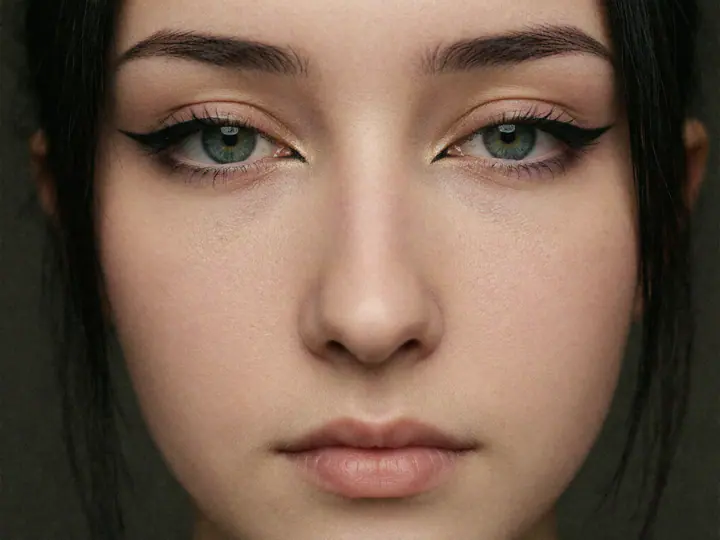
Mia Rose
Creator · Berlin
One short influlink.live link, per character.
What an in-app browser actually costs you
It looks like a browser. It behaves like a stripped-down one, and the parts it strips are exactly the parts a paid conversion needs.
- No saved passwords — every login is typed from scratch, or abandoned.
- Apple Pay and Google Pay are missing or fail silently at checkout.
- Downloads often do nothing at all, with no error to explain it.
- Swipe back to the feed and the session is gone — no tab to return to.
None of this shows up in your analytics as a failure. It shows up as traffic that didn't convert — which reads like a weak offer, and usually isn't.
Browser breakout
A way out, offered — never forced
When the page recognises an in-app browser, it offers the visitor a door. What it can actually do differs by platform, so it says so rather than pretending the same thing works everywhere.
- Android
- Hands them to whichever browser they have. Not pinned to Chrome — that fails on phones shipped without it.
- iOS
- No app may open another browser. So it shows the exact two-tap route for the app they're in.
- Everywhere
- One tap copies the link. The one path that works in every app and version, so it is never hidden.
We never claim a browser opened
No web page can see whether Chrome came to the front. It can see that its own tab was hidden, which is a hint and not a fact. So the page says “if your browser opened, you're all set” rather than “opened in Chrome”, and your stats keep taps and confirmed arrivals as two separate numbers that cannot be added together. Both are reported by the visitor's own browser, so read them as a signal about how the handover is going rather than as an audited count.
One page per character
Not one per account. Each character has its own audience and its own destination, so each one gets its own link, its own look and its own numbers.
- 01
Pick a character
Each of your trained characters gets its own page, so each audience lands where it should instead of on one shared list.
- 02
Build the page
Banner, photo, bio and your links, in one of three designs. Pull the images straight from that character's gallery or generate new ones.
- 03
Paste one link
A short influlink.live URL that fits in a bio. From then on it is the only link you ever have to change.
Three designs. Same page underneath.
Pick a look, an accent and a button shape. Everything else — the links, the stats, the breakout — behaves identically, so choosing is a matter of taste rather than of features.

Mia Rose
Creator · Berlin
Made with InfluencerForge
Noir
Dark, glass cards, one accent. The house style.

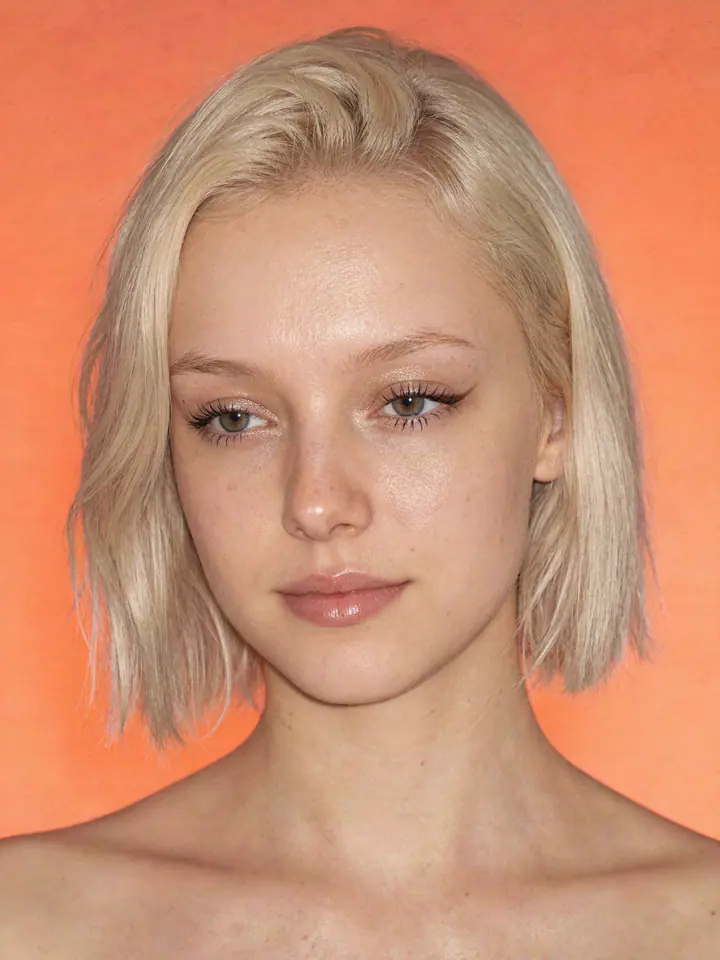
Ava Lin
Editorial · Studio
Made with InfluencerForge
Paper
Light, editorial, thin rules. The opposite end.

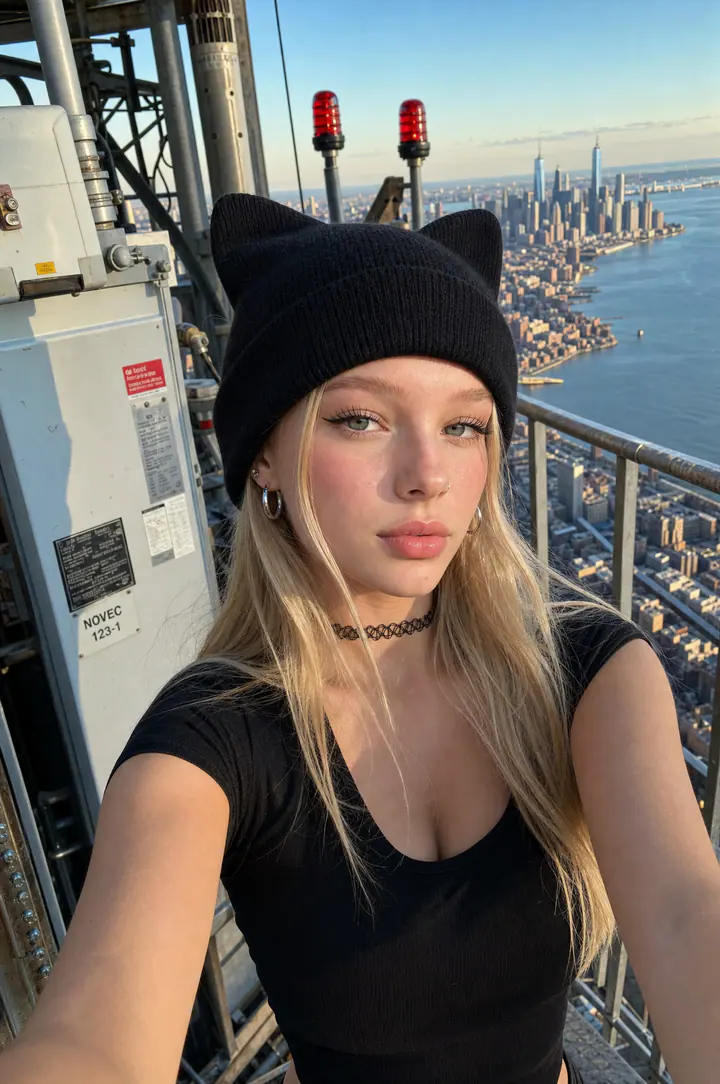
Nova
Music · Night
Made with InfluencerForge
Spotlight
Your photo fills the screen behind the links.
The photos are already yours
Most link-page tools ask you to go and find an image. Here the character that owns the page also owns a gallery, so the banner and the photo are three clicks away — or one render, if you'd rather have something new.
- Pick any render from that character's gallery.
- Upload your own file — JPG, PNG or WebP.
- Generate a new one with the character already applied: landscape for the banner, square for the photo.
- Swap the design, accent and button shape at any time — the link never changes.
Free
- One link page
- Up to 3 links
- All three designs
- Our badge in the footer
Starter and up
- A page for every character
- Links with no plan limit (50 max)
- Badge removed
- Browser breakout on
- Views, clicks and the full breakout funnel
Questions
Stop losing the visitors you already paid for
Build a page for your first character in a couple of minutes. The free plan is enough to see whether the traffic behaves differently.
Get started free