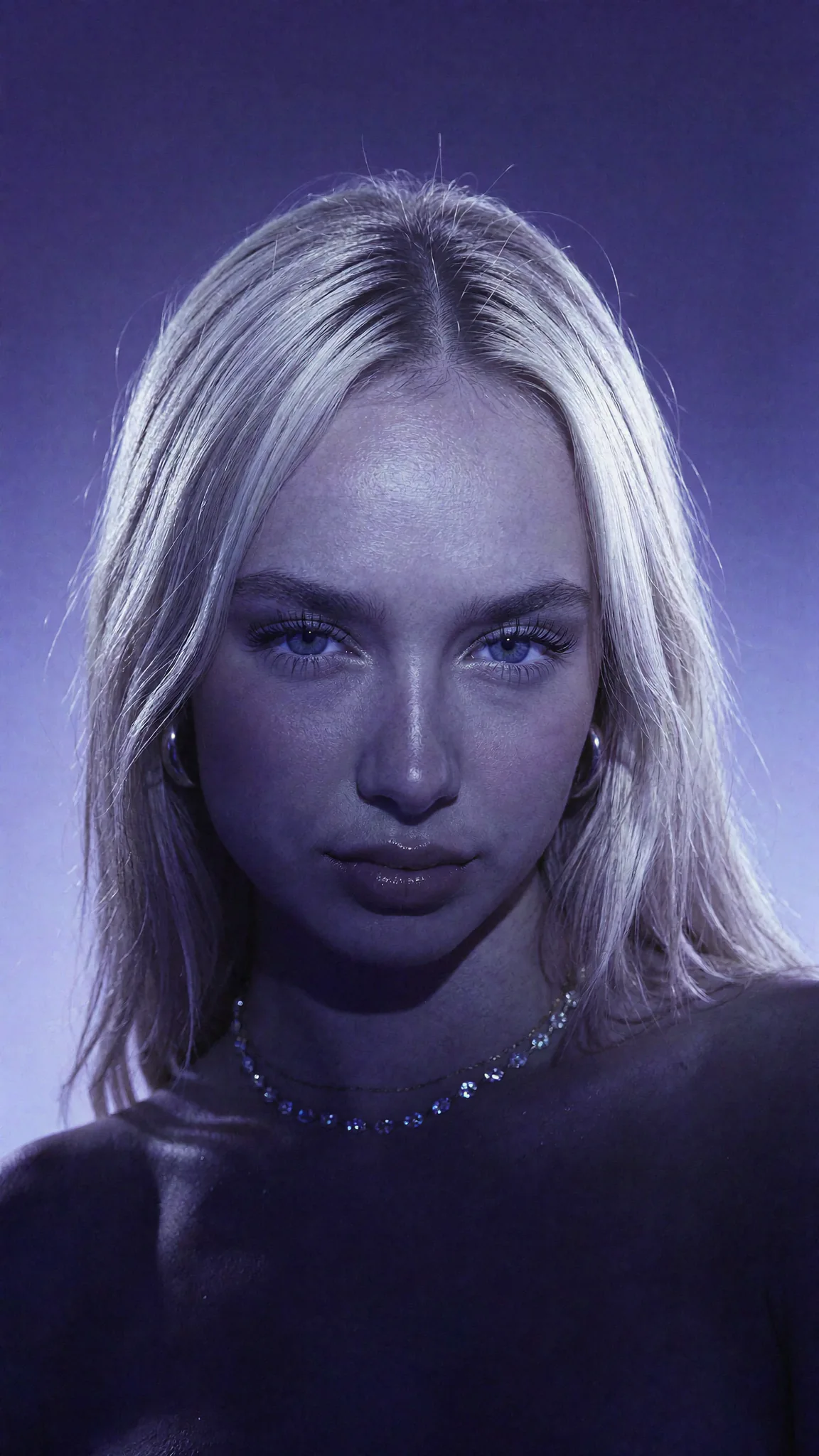
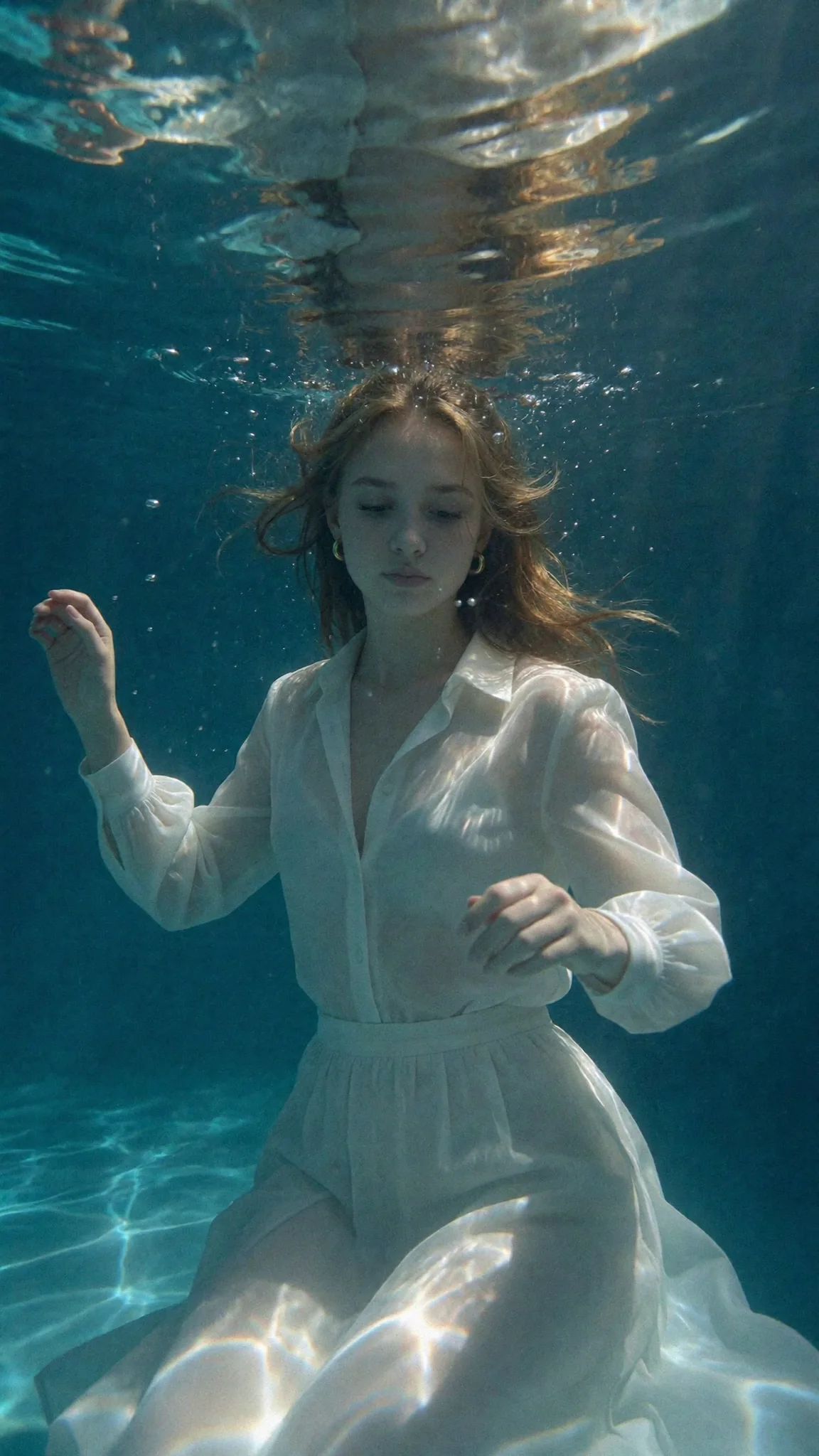
Decision 01 · Budget gate
Buy motion after the frame works.
A 720p test still costs 12 credits. The current 5-second Fast Video default costs 210. That ratio is the operating rule: explore the image cheaply, then animate the survivor.
Explore the frame
Test hook, pose, crop, and scene as a 720p still.
Finish the source
Render the keeper at 1080p and inspect it full size.
Add motion
Animate one proven frame at the 5-second Fast default.
Read the total beside the duration control.
Longer, higher-fidelity, and UGC modes price per second and can have different audio or reference behavior. The composer total and the pricing table are the authority; do not carry an old 5s/10s bucket into a new production budget.
Fast Video today
credits per second
The normal entry experience starts at 5 seconds. If a wider duration range is enabled in your composer, its total updates before you submit.
Decision 02 · Source audit
The first frame carries the whole clip.
Before you write motion, inspect what the video engine inherits: identity, composition, product detail, lighting, crop, and every flaw already present in the still.
The frame works still
You would publish the image even if it never moved. Motion amplifies a good frame; it does not rescue a weak one.
There is room to move
Hands, products, hair, and the subject's body do not collide with the crop. Leave visual space in the direction of travel.
One motion is obvious
A glance, turn, push-in, breeze, or product gesture is already implied. If you need five actions to explain it, choose another still.
Animate this
- The face is clean and recognisable
- The crop leaves room for the intended movement
- Hands and products are already credible
- The frame suggests one obvious action
Fix the still first
- A hand or product touches the frame edge
- The face is soft, hidden, or already drifting
- The pose has no plausible next movement
- You need the prompt to change the entire scene
Decision 03 · Motion prompt
Describe the change, not the picture.
Identity, wardrobe, location, and lighting are already visible. A useful motion prompt adds one primary movement and, at most, one quiet supporting cue.
“Slow push-in, subtle handheld movement.”
Useful when the pose is already complete and the camera should create the energy.
“She turns toward camera and gives a small smile.”
One readable human action. The image already supplies identity, outfit, and location.
“Hair moves gently in the breeze; background remains calm.”
A low-risk loop when the face and composition should stay almost unchanged.
Prompt formula
[primary motion] + [small camera or ambient cue] + [settled ending]
Worked example
“She turns toward camera and smiles; slow push-in; movement settles naturally.”
Three clauses, one beat. There is no second scene, outfit change, dialogue, dance sequence, or identity description competing for the same few seconds.
Decision 04 · Review
Diagnose the clip before you rerun it.
A failed generation is refunded automatically. A delivered clip that needs creative improvement is a new decision: identify whether the source, prompt, or chosen mode caused the weakness before spending again.
Same source, smaller prompt
Use when the frame is strong but the motion became busy or unstable.
Return to the source still
Use when crop, hands, product detail, or identity was weak before motion began.
Export the purposeful winner
Store it beside its source still so the campaign keeps provenance and reusable art direction.
Keep the facts live
Questions before you spend.
Next output
One strong frame. One clear motion.