


How to train your first AI influencer model.
Train the identity, not the pose. Start from an original character sheet or authorised reference photos — then prove the model works before production.
You can create a model from scratch with an AI-generated hero and character sheet, or upload 10–50 authorised reference images. In either path, the normal training price is 720 credits once. Eligible free accounts can earn one covered training after 3 completed showcase images and email confirmation. A varied, rights-cleared set matters more than padding the upload with duplicates, and failed training runs are refunded automatically.
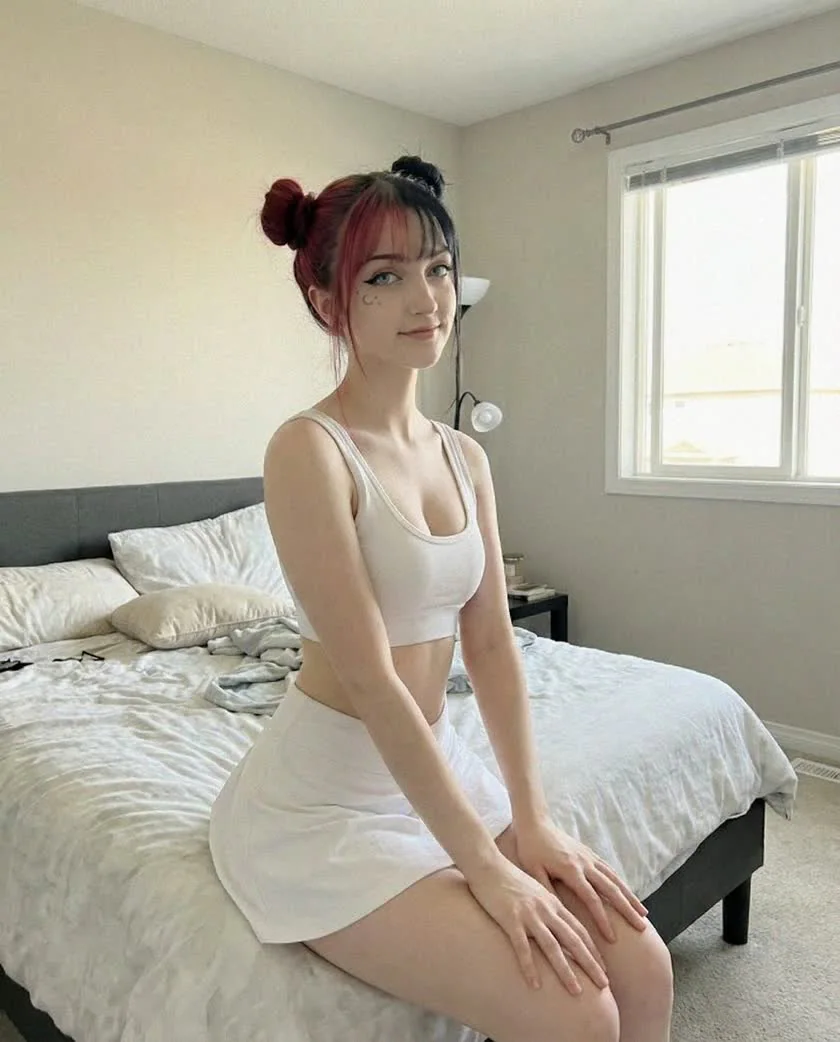
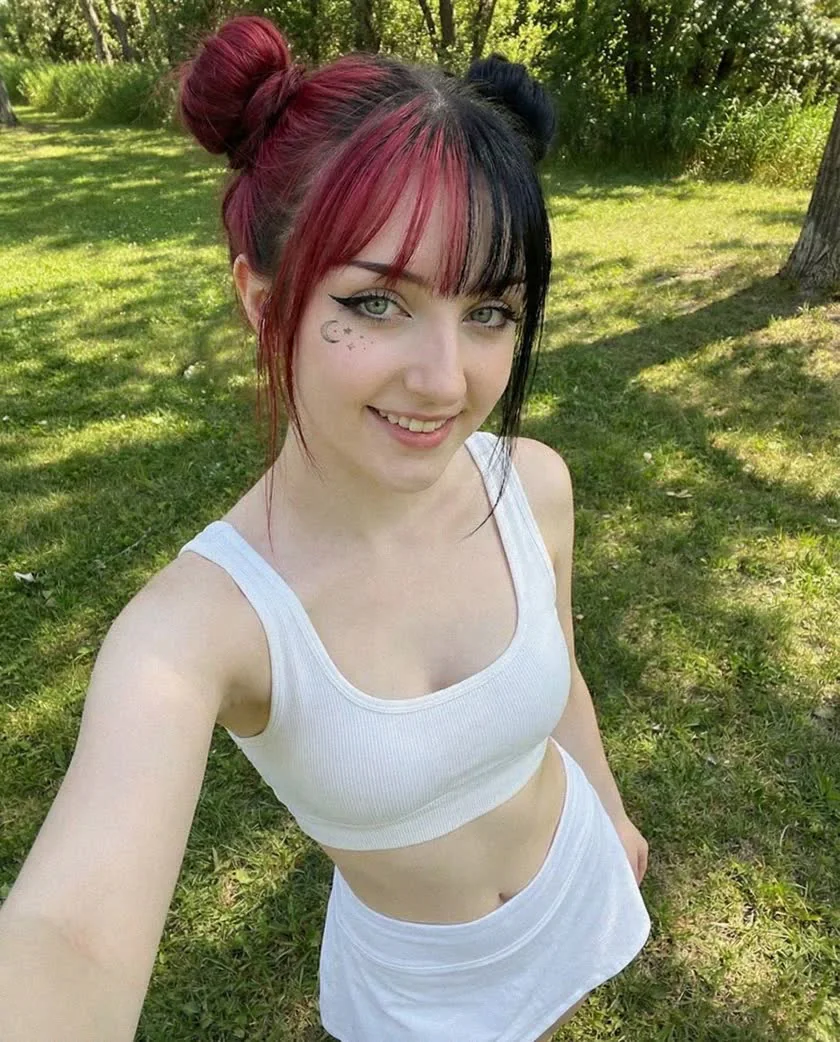
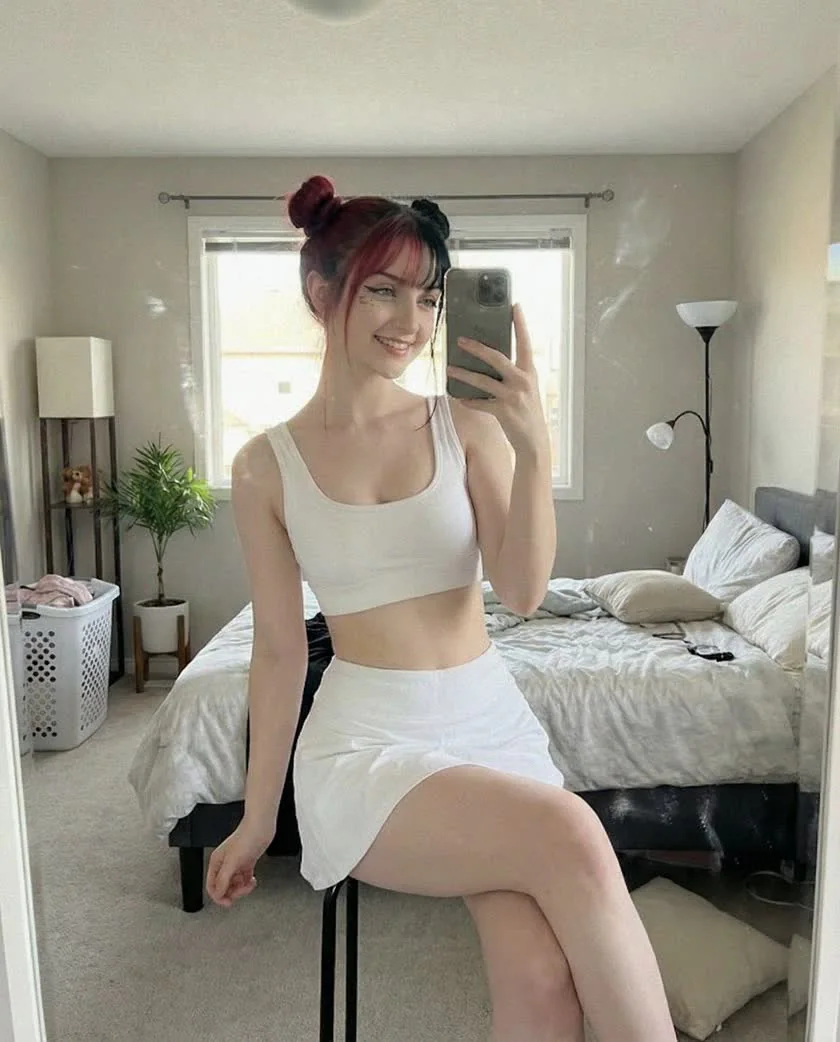
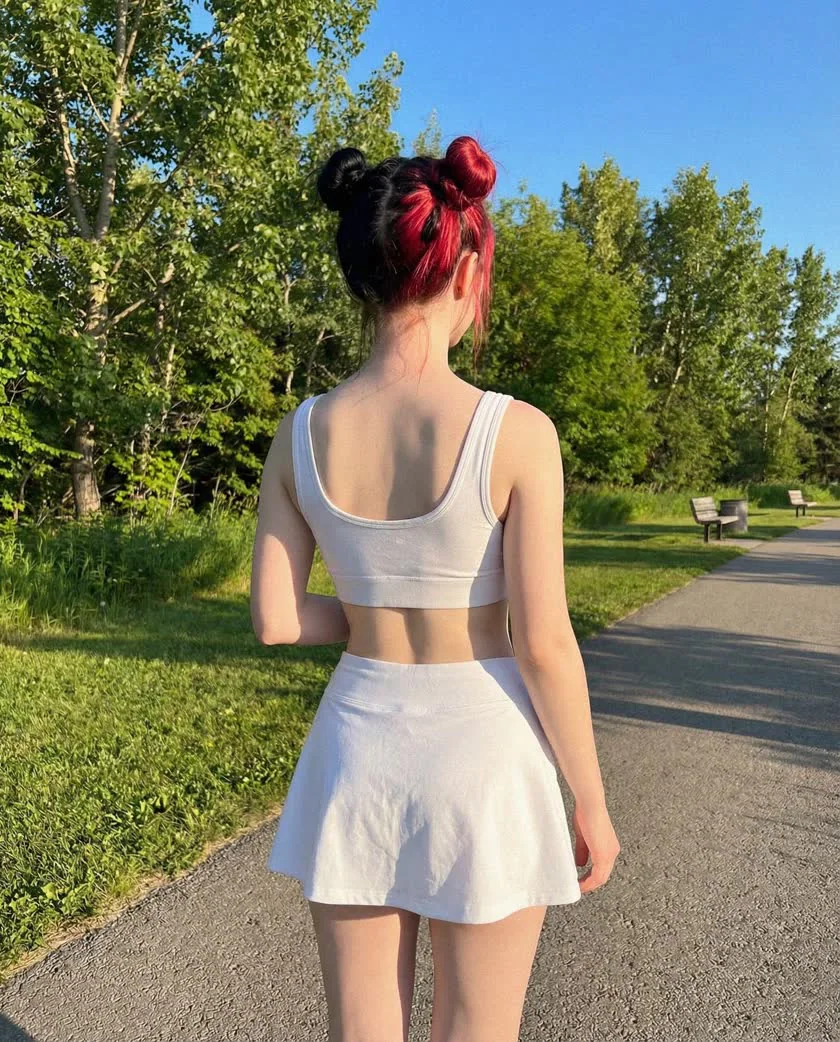
Start with what you actually have.
Both paths end in the same private trained model. The difference is how you build the reference signal: the studio can generate it for you, or you can bring a set whose rights and quality you have already verified.
Create from scratch
You need a new, entirely original synthetic identity.
- 01Describe the adult identity and visual direction
- 02Approve or reroll one 14-credit hero portrait
- 03Generate a character sheet at 14 credits per image
- 04Review the set, then start the 720-credit training
Upload photos
You already have one synthetic persona or authorised photos of one adult.
- 01Record the correct rights and consent declaration
- 02Upload 10–50 supported reference images
- 03Remove duplicates, hidden faces, and weak files
- 04Review the set, then start the 720-credit training
Your first training can be covered after 3 showcase images.
Eligible free accounts receive an email-confirmed training offer after completing 3 showcase renders. Once shown, the offer stays open for 14 days and covers the 720-credit training charge for one character; hero and character-sheet generations still use normal credits.
Every image needs a job.
Training needs repeated identity plus controlled variation. A reference image is useful when it adds a new angle, framing, expression, or light without changing who the person is.
Face, hairline, build, and posture are readable.
A new angle and lighting condition without changing identity.
Adds body proportion and a second natural expression.
Useful for build and hair, but never as an identity anchor.
Illustrative synthetic adult persona. These frames show the audit logic; they are not user uploads or a promise that every set should use identical scenes.
Build twelve useful slots.
This is a practical starting composition, not a hidden platform requirement. If you have 20–30 genuinely different, strong images, use them. If you only have twelve good ones, do not invent eighteen duplicates.
- 013×
Front & near-front
Neutral, soft smile, one clean close-up
- 023×
Three-quarter
Both sides, mixed close and waist-up framing
- 032×
Profile
Left and right if the identity supports both
- 042×
Body context
Waist-up and full-body with readable proportions
- 052×
Controlled variation
A second light and one natural expression
- Three readable angles
- Close and body context
- Two controlled lights
- Natural expression range
- One burst of selfies
- Eight near-identical crops
- Mixed filters
- No profile or body context
Review twice. Train once.
The final click is simple. The judgment before and after it is the real workflow. Follow the steps in order so a weak upload never turns into an expensive mystery.
- STEP 01
Choose your creation path
Use Create from scratch when you need a new synthetic identity: approve one hero image, generate a character sheet, then train. Use Upload photos when you already have authorised images of the same clearly adult person or synthetic persona.
- STEP 02
Build a varied reference set
The current upload wizard accepts 10–50 JPEG, PNG, or WebP images. Treat 10 as the minimum, not the target: 15–20 varied references are a stronger working set than a larger upload padded with near-duplicates. Include genuinely different angles, lighting, expressions, and framings.
- Angles: frontal, three-quarter, and profile shots
- Lighting: clean daylight plus a controlled indoor variation
- Expressions: neutral, smiling, and one natural variation
- Framing: mix close-ups with waist-up and full-body shots
- STEP 03
Remove weak or unauthorised images
Keep only images where the identity is clear. Remove group photos, hidden faces, heavy filters, sunglasses, and low-resolution files. Every depicted person must be 18+, and any real person must have explicitly authorised identity-model training and provider processing in writing. See the Help Center for the full rules.
- STEP 04
Start the one-time training run
Open Models, create a new model, complete the rights declaration, and review the final reference set before confirming. The normal training price is 720 credits one time; a confirmed free-training grant covers that charge for one character. A failed run returns the charge or restores the grant automatically.
- STEP 05
Run a six-image validation batch
Test the ready model with six ordinary 720p scenes: front portrait, three-quarter view, profile, waist-up, full-body, and a second lighting condition. At 12 credits each, the full validation batch costs 72 credits. Judge face shape, hairline, distinctive features, and build across the set.
- STEP 06
Diagnose before you retrain
One strange render does not justify a refresh. First remove contradictory identity words from the prompt and test another seed. Retrain for 800 credits only when ordinary prompts drift consistently and the replacement reference set is demonstrably stronger. Diagnosing persona drift covers the decision in depth.
Private model
The trained persona stays inside your workspace.
Typical training
Most runs complete in roughly 5–15 minutes.
Failure handling
A failed run automatically returns the 720-credit training charge.
Test identity before aesthetics.
Six ordinary prompts reveal more than one spectacular hero image. Keep styling simple, vary one dimension at a time, and judge whether the same person survives normal changes in camera, light, and framing.
- P01
Front portrait
Clean daylight, neutral expression
- P02
Three-quarter
Indoor window light, waist-up
- P03
Profile
Simple studio background, side view
- P04
Full-body
Outdoor daylight, natural standing pose
- P05
Expression
Soft smile, same camera distance as P01
- P06
Second light
Warm indoor light, neutral styling
Identity should stay stable
- Face shape and proportions
- Eye spacing and distinctive features
- Hairline and core hair colour
- Overall build and recognisability
Variation is normal
- Expression and tiny asymmetries
- Lighting and skin highlights
- Makeup, wardrobe, and background
- Pose and camera distance
Pass
The same person is recognizable across ordinary contexts, even though each image is newly generated.
Investigate
Core face shape, hairline, or build changes repeatedly under neutral prompts. Diagnose the pattern before refreshing.
Diagnose before you spend 800.
Retraining is for a better reference set, not for rescuing one bad image. Start with the cheapest explanation and move down only when repeated neutral tests support it.
A stronger set must exist first.
If you cannot point to the images you will replace and explain why the new ones add identity signal, you are not ready to retrain.
- Neutral tests drift repeatedly
- The same feature changes across several frames
- Weak references have stronger replacements
- You can compare validation batches before and after
- Only one output is strange
- Only an extreme style drifts
- The prompt contradicts trained identity
- The replacement set is mostly duplicates
The useful answers.
One validated identity. Then the first shoot.