


Forge Academy · Practical workshop
Your first AI photoshoot with Forge Styles
By the InfluencerForge Editorial Team
Open the worked example ↓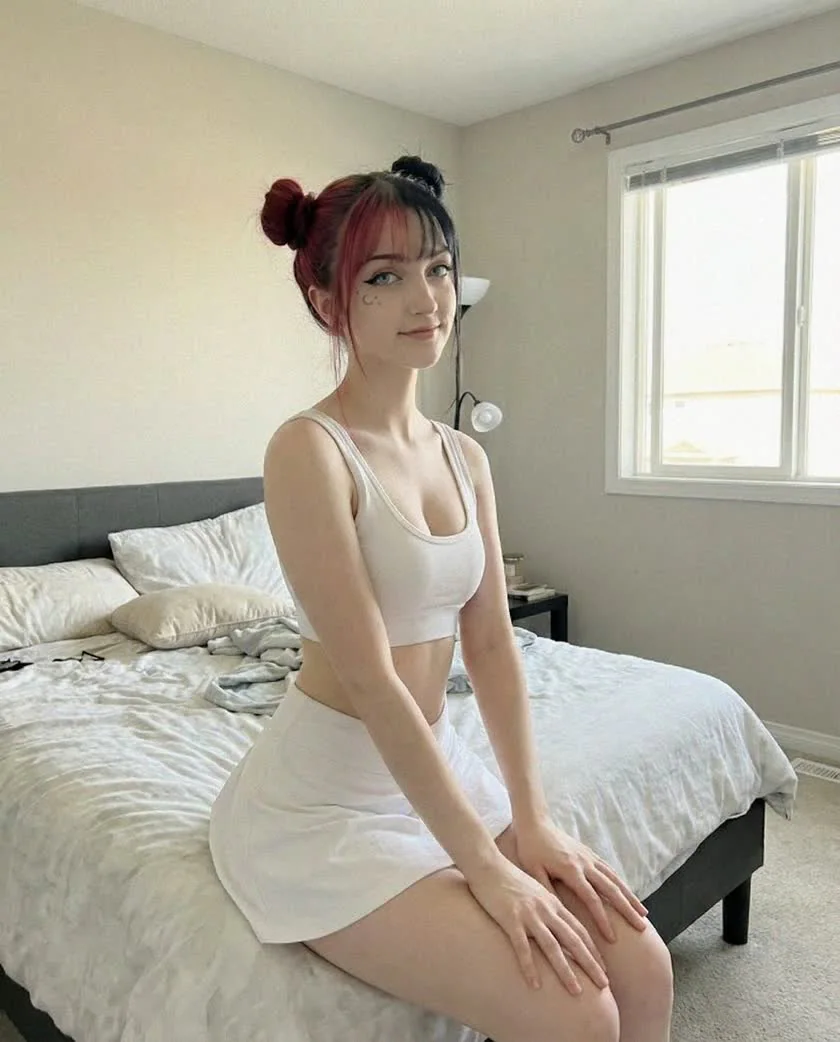
TL;DR — Pick a Forge Style, describe only the scene — your trained model supplies the identity — and generate. Images cost 12 credits at 720p or 14 at 1080p (HD), and failed renders are refunded automatically.
A photoshoot here is three decisions: which model, which Forge Style, and what scene. The catalog of 30+ Forge Styles — Instagram selfie, fashion editorial, gym mirror, beach day, travel influencer, skincare campaign, and more — handles lighting, mood, and composition, so you never have to write paragraph-long prompts.
This guide assumes you have a trained model; if not, start with training your first AI model. On the free tier you can follow along with the showcase models, your 100 starter credits and 12 free AI influencer prompts.
A small first shoot
Three scenes. One recognizable character.
Use a model you have already validated. For this editorial exercise, Iris keeps the same white outfit and split-tone hair across a bedroom, mirror and park scene. The references below are existing project images, not a promise that a preset reproduces a particular picture.
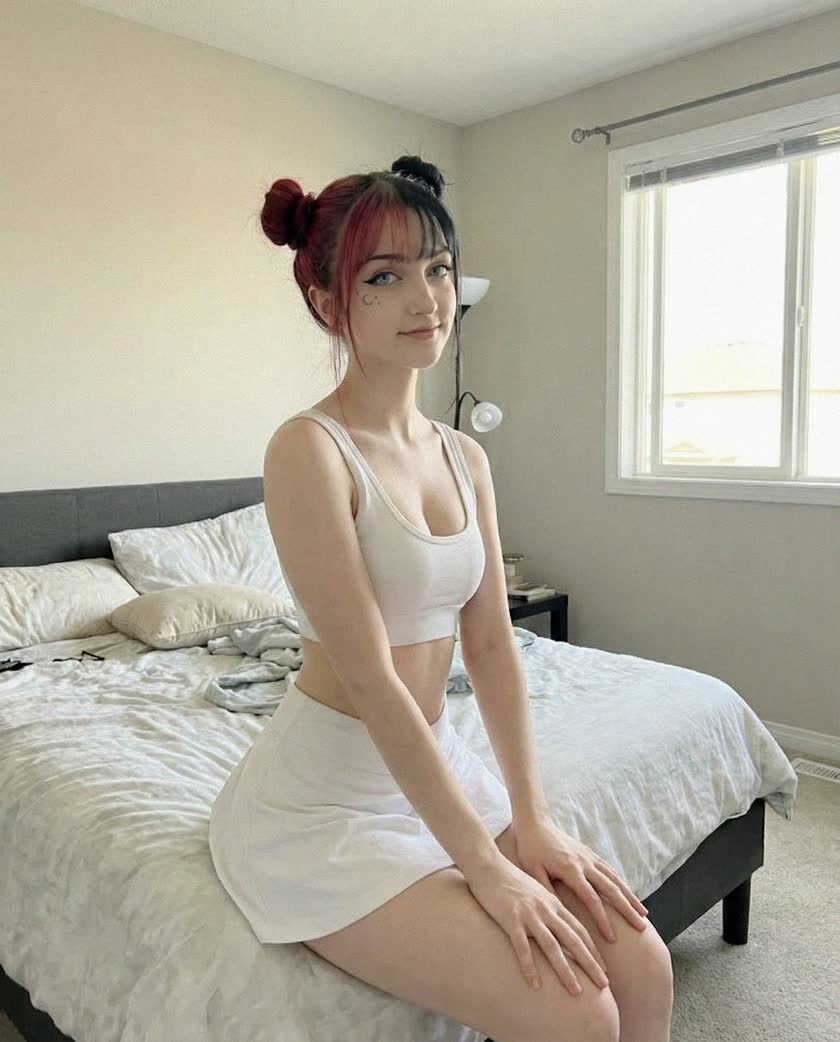
Window portrait
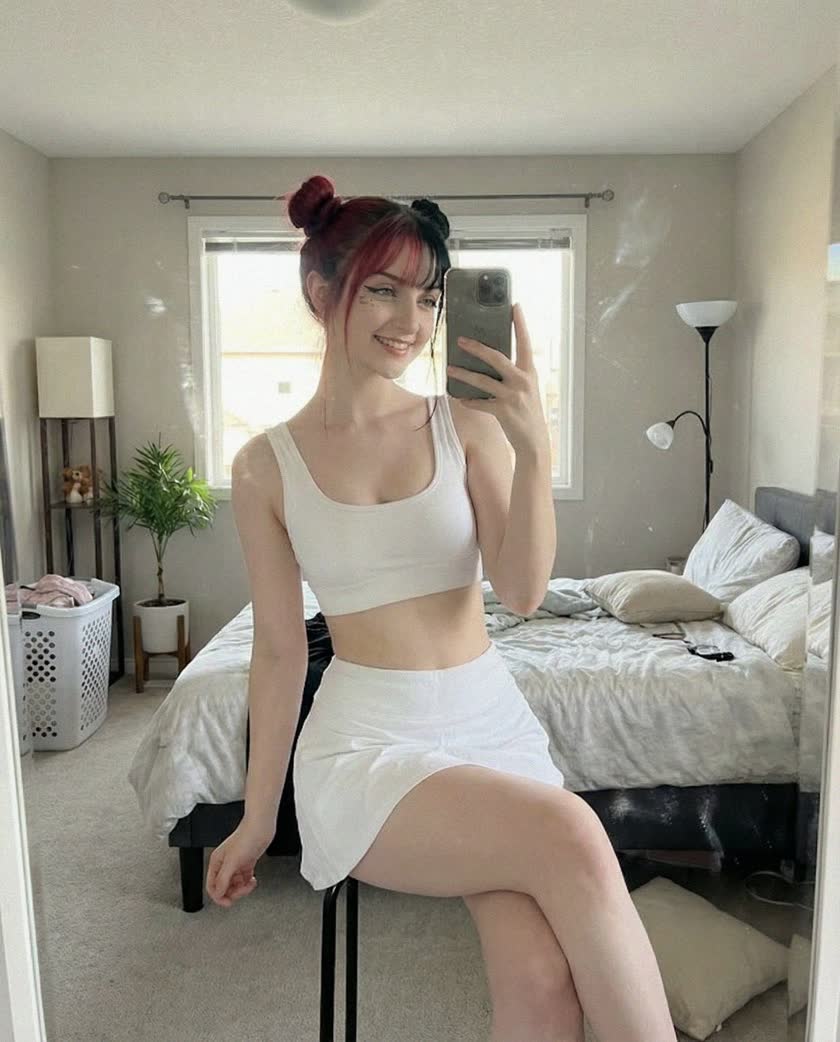
Mirror scene
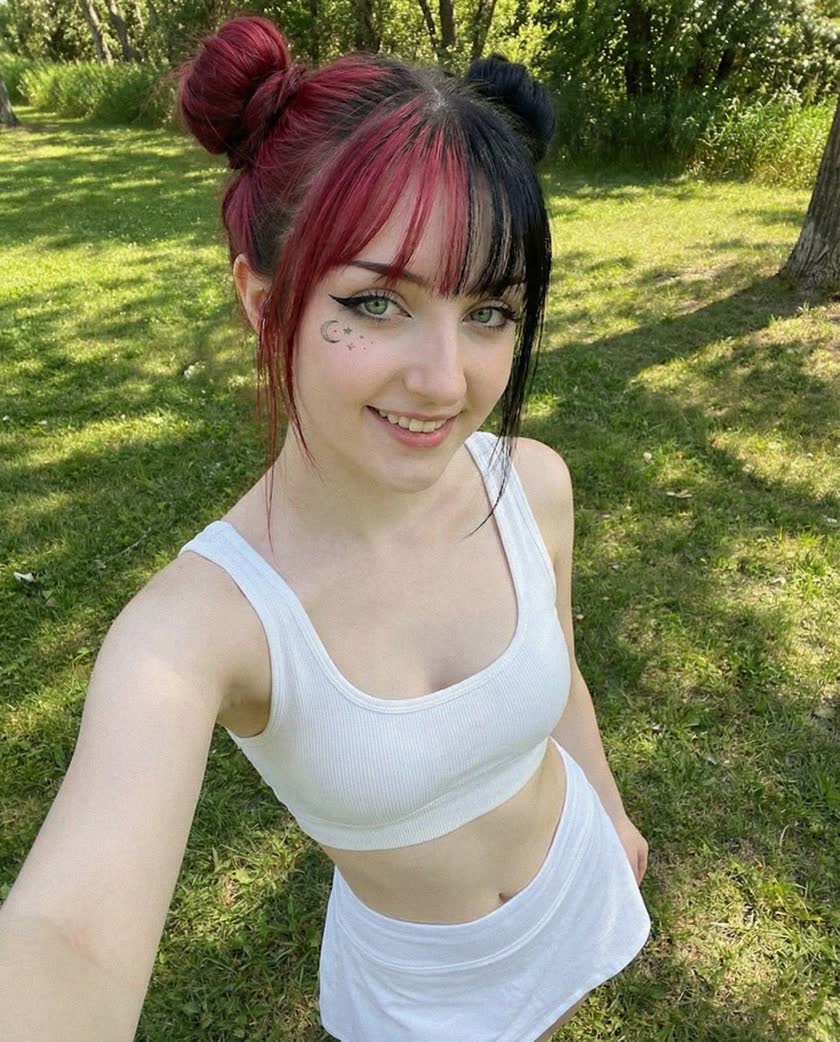
Outdoor portrait
The scene recipe
Give the model a place to be.
Choose a suitable Forge Style in the composer, then describe the scene rather than rebuilding the face in every prompt. Begin with one photo and a clear composition.
Seated beside a bedroom window, white athletic top and tennis skirt, relaxed posture, soft afternoon side light, medium portrait, natural fabric texture.
Suggested starting direction, not the recovered prompt for the displayed image. Your trained identity supplies the person; the prompt supplies setting, clothing, action and light.
Make one deliberate change
- Location: keep the outfit and light, move from the bedroom to a café.
- Framing: keep the scene, move from a close portrait to a medium shot.
- Action: keep the composition, change a neutral pose to a small head turn.
For more starting directions, use the AI influencer prompt library. If the face drifts even in ordinary scenes, use the identity diagnosis before spending on more variations.
Select, then finish
A keeper survives a close look.
- View the three scenes together: face, apparent age, hair and body proportions should remain coherent.
- Inspect hands, repeated objects, background geometry and reflections at full size.
- Choose a frame that still works at phone size and leaves room for its intended crop.
- Keep the useful settings with the image. A new resolution or prompt can change the composition, even with the same seed.
Keep the final three in a collection. The 30-day content calendar shows how a few recognizable scenes become a publishing system.
Run the workflow
- 1
Pick your model
Select the trained model you want to shoot with. The model carries the identity — face, hair, build — so nothing about the person's appearance needs to go into your prompt. This separation is what keeps a persona consistent across hundreds of images.
- 2
Choose a Forge Style
Browse the Forge Styles catalog and pick the preset that matches where the content will live: Instagram selfie for feed posts, fashion editorial for lookbook shots, and so on. Each style controls the scene treatment, lighting, and mood in one click. Ads that have to show your own product are a separate lane — create UGC product ads covers that one.
- 3
Write the scene, not the person
Your prompt describes the situation: location, outfit, action, time of day. The model already locks who is in the frame, so appearance descriptions are wasted words — and can even fight the trained identity.
- Good: “golden-hour rooftop, linen blazer, holding an iced coffee”
- Skip: face, hair, or body descriptions — identity comes from the model
- Keep it to a sentence or two; the Forge Style does the heavy lifting
- 4
Pick a resolution tier
Resolution sets the per-image price: 720p costs 12 credits and 1080p (HD) costs 14. Draft at 720p while you explore, then re-render the winners at 1080p for final feed posts and campaign assets. The full table is on the pricing page.
- 5
Generate and review
Run a small batch and review framing, hands, reflections and background details at full size. Failed or filtered jobs go through automatic refund handling. A successfully delivered image you dislike is still a completed generation and is not automatically refundable.
- 6
Iterate with seeds
Every render records a seed — a recorded seed helps you repeat a generation recipe when the same lane and settings support it. When a render is almost right, reuse its seed and change one thing instead of re-rolling blind. The seeds, retries and refunds guide goes deeper.
Frequently asked questions
Follow along with 100 free credits
No card required. Explore showcase models with free credits. Product-reference ads and commercial delivery require a paid plan; model training has its own eligibility and credit cost.