
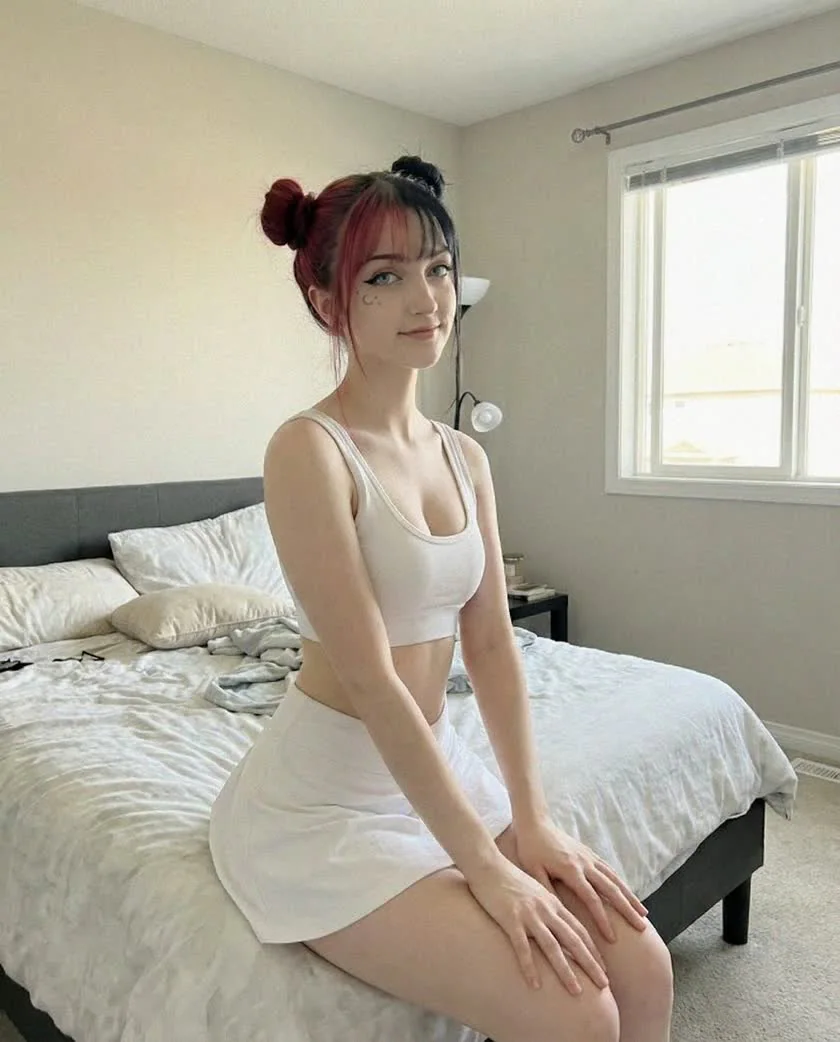
This walkthrough is for an original, fully synthetic adult character. It takes you from an empty account to a profile you can review before promotion. The examples are editorial suggestions, not Fanvue screens or a promise of approval. Platform instructions were checked on October 17, 2026; follow the current prompts if Fanvue changes its interface.
Step 01
Prepare the operator and the character
Keep two identities straight: you operate the business; the fictional character is its public face. Decide the niche, name, visual direction and content boundaries before creating the account.
Have ready
- A dedicated email, a unique password and access to your verification device.
- Your original character references, final images and a record of how they were made.
- A public name, one-sentence niche and realistic weekly publishing plan.
Choose an original adult identity
The character must look clearly adult. A stated age cannot correct a youthful appearance. Avoid recognizable real people, copied creator footage and copyrighted characters.
AI content rulesIn Forge, use a fully synthetic 18+ persona with rights-cleared references; real-person cloning is outside our workflow. Commercial use requires a paid plan. If the face is not consistent yet, finish the model-training workshop before preparing the public page.
Step 02
Register and complete verification
Sign up on Fanvue, then choose Become a creator. Complete the requested account and content details accurately. Use your own valid government ID and a real selfie for verification, even if your public content is fully synthetic.
Your public stage name and private verification details serve different purposes. Fanvue does not display your ID on the profile. Never upload generated identification or submit the character's portrait as your verification selfie.
If verification stalls
- Unreadable document or failed selfie
- Check expiry, show the complete document, reduce glare and allow camera access. Try a phone if your webcam is poor. Follow the supported-document instructions rather than repeatedly uploading the same failed photo. Troubleshoot ID verification
- The account identity and content do not match
- A human account built around someone else's identity is not fixed by retaking a selfie. Ask Fanvue support to clarify the account setup. Fully synthetic characters do not need co-creator documents; content involving real people has separate consent and verification requirements. AI account verification
Complete every outstanding onboarding action and wait for the account status to confirm approval. Writing the bio or uploading images does not itself complete verification.
Step 03
Build a profile people can understand
A visitor should be able to identify the character, understand that it is AI, and see what the subscription includes. Use one visual identity across the avatar, banner and opening content.
Avatar · 1080 × 1080
Choose a clean face crop that stays recognizable as a small circle. Keep jewelry and background detail secondary.
Banner · 1192 × 335
Give the composition room to crop. Preview it on a phone before relying on text near its edges.
These are Fanvue's recommended image dimensions. Its profile guidance also suggests an intro shorter than 30 seconds. Profile setup and image sizes
Keep the avatar, banner and intro safe for public discovery: no nudity, implied nudity or explicit sexual posing. A simple fully clothed editorial works well for this example. Public profile and intro video rules
Check the AI label, then write the offer
Fanvue requires an account-level AI label for accounts with AI content. Its current guidance says a visible label can cover the bio disclosure; your bio must still avoid suggesting the character is a real human. We recommend a plain AI description as well, so the promise remains clear wherever the text is reused. Answer direct questions about AI honestly. AI labels and disclosure
Example profile bio
AI-generated adult fashion muse. Studio portraits, city looks and a new themed photo set every Friday. Your subscription includes the regular feed and weekly sets. Any optional paid releases are clearly marked. Operated by a human creative team.
Change the theme, schedule and operator description. A solo operator should not claim to be a team. Remove any inclusion you cannot reliably deliver.
Step 04
Prepare the first content library
Build a small, coherent editorial library before promoting it. Give every post a job: introduce the world, demonstrate a recurring series, or help a subscriber choose what to explore next.
A ten-post starter exercise
This is an editorial planning example, not an approval requirement. Build variety within one world instead of publishing ten near-identical portraits.
- 01
Introduce the character
Explain the fictional identity, fashion direction and what members can explore.
- 02–04
Establish three recurring looks
For Iris: a studio portrait, a daytime city look and an evening editorial. Keep the face consistent.
- 05–08
Deliver one finished collection
Sequence four posts from the same theme. Use an opening scene, closer portrait, outfit detail and final frame.
- 09
Explain the next release
Publish a realistic schedule and describe what belongs to the subscription.
- 10
Invite a useful preference
Ask which of two achievable themes should come next. Avoid promising individual requests you cannot fulfill.
Choose the audience for each upload deliberately. A public preview should accurately represent the collection; subscriber-only content should deliver the scope described on the profile. Review the post as a visitor after publishing.
Keep the original references, prompts, generation history and matching output files. Fanvue may request a screen recording of that workflow to resolve an originality flag. An export alone may not show how an asset was created. Prove content originality
Use Forge collections and exports to keep each set together. For usable scene briefs, start with the selfie prompt collection and adapt it to your own trained character.
Example welcome message
Welcome to Iris's studio. Iris is an AI-generated adult character, created and managed by our team. Start with the City After Rain collection, then explore the weekly sets included in your subscription. New sets arrive on Fridays. Which theme would you like to see next: studio minimalism or weekend city looks?
Replace the collection name and schedule before use. Point to something subscribers already have access to.
Step 05
Check the offer and payout setup
Choose a subscription price you can explain through the included content and workload. Separate optional purchases from the base offer, then review the payout methods available to your account.
Write down three things before choosing a price: what is already included, what you will add during the month, and how much production and support time that requires. If you sell optional releases, label them separately. Do not call a subscription “all access” when important collections cost extra.
Use the current subscription controls in Fanvue's creator settings. Preview the displayed price and renewal terms after saving. For cost planning, work through the revenue-versus-profit example; audience size alone is not a pricing method.
Set up payouts before you need them
Fanvue's published path is Earnings & Payouts → Request Payout → Add a new payout method. Methods depend on location, and a new method may need review. Enter the details requested by the platform; bank transfers use bank account details, not a card number.
The current first-payout guide lists at least five uploaded pieces of content, any required co-creator verification, and an available balance meeting the applicable threshold. It lists $20 as the baseline, with regional variations. Check your own account's requirement; pending earnings are not yet an available balance.
Record the platform fees, payout costs and any required account or tax information before budgeting take-home revenue. An approved profile does not guarantee a sale or immediate withdrawal.
Step 06
Review the page before sharing it
Open the public URL on a phone as a visitor. Compare the first screen, content previews and subscription wording with the promise in your social bio. Launch only when those pieces tell the same story.
Your pre-launch review
0 / 8 reviewed
For your review only. Checks reset when you leave this page; they do not check or change your Fanvue account.
Make the first week measurable
Send visitors to one finished destination. Record visits, subscription starts and questions about the offer. If people click but do not understand the included content, improve the explanation before adding more traffic. If subscribers join but do not return, review delivery against the promised cadence.
The next step is the Instagram-to-Fanvue playbook: connect a relevant public series to the profile you have just prepared.
Before you publish
Fanvue setup questions
Does Fanvue allow fully AI creators?
Yes, Fanvue currently supports fully AI accounts that follow its AI and community rules. The character must be clearly adult, original and transparently presented as AI.
Whose ID do I use for a Fanvue AI account?
Use the real account operator's ID and selfie. A generated face or fictional identity is not a substitute. Fully synthetic characters do not need co-creator documents; real people featured in content have separate verification and consent requirements.
Do I need an AI disclosure in my bio?
Fanvue says a visible account-level AI label can cover the bio disclosure, but the bio must remain truthful. We recommend an explicit AI description for clarity across platforms. If asked directly whether the character is AI, answer honestly.
Can I use a stage name?
Yes. Your public character can use a stage name while Fanvue verifies the real operator privately. Do not publish your ID documents in the profile or content feed.
How long does Fanvue verification take?
Completing the form and receiving approval are different steps. This guide does not promise a review time. Follow the status and instructions shown in your account; unresolved verification issues belong with Fanvue support.
How many posts do I need before promoting?
There is no post count that guarantees a successful launch. Use enough finished content to demonstrate the offer and support the promised cadence. The ten-post example in this guide is our planning exercise, separate from Fanvue's payout eligibility rules.
Official sources & editorial notes
Reviewed October 17, 2026. Fanvue controls eligibility, moderation and payouts. Our profile, templates and content plan are original examples; they do not represent Fanvue approval. InfluencerForge is an independent content creation tool.
Continue in the Academy